My winter break has just begun at the time of writing this article and I thought instead of wasting it, I should do something productive for once. I figured since I am pursing a career in Cyber Security, I should try to run through DVWA. And so, I am writing this article to document my experience—because from what I’ve learned, if you didn’t document it, it didn’t happen! To start, you probably don’t know what DVWA is. Instead of giving you my explanation, here is a description I ripped straight from the creators’ github!
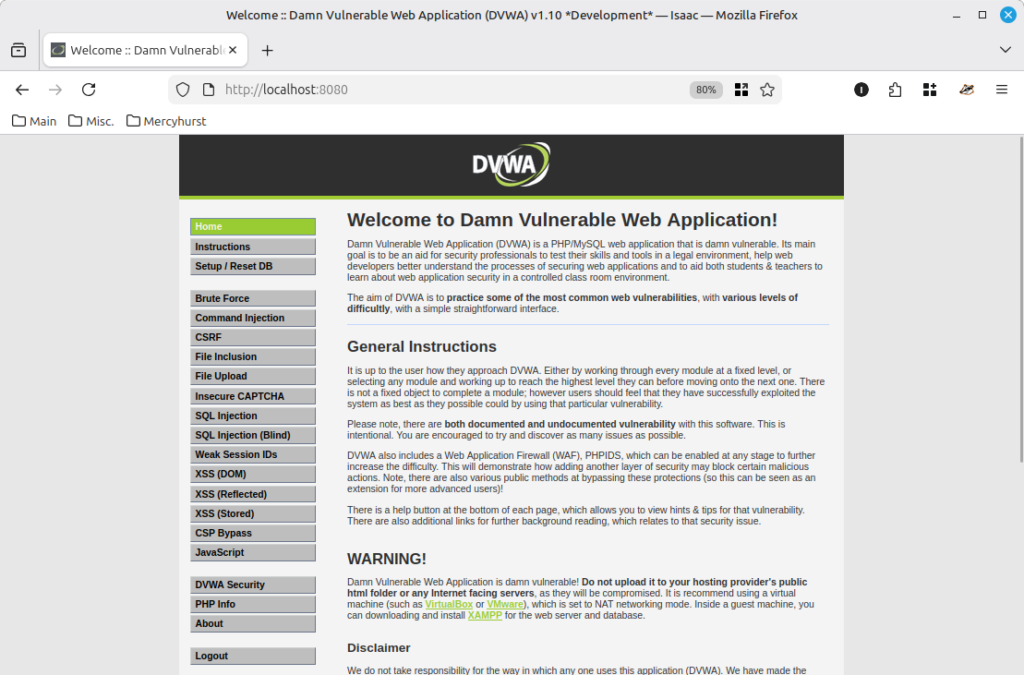
[Darn] Vulnerable Web Application (DVWA) is a PHP/MariaDB web application that is [darn] vulnerable. Its main goal is to be an aid for security professionals to test their skills and tools in a legal environment, help web developers better understand the processes of securing web applications and to aid both students & teachers to learn about web application security in a controlled class room environment.
Setting up DVWA
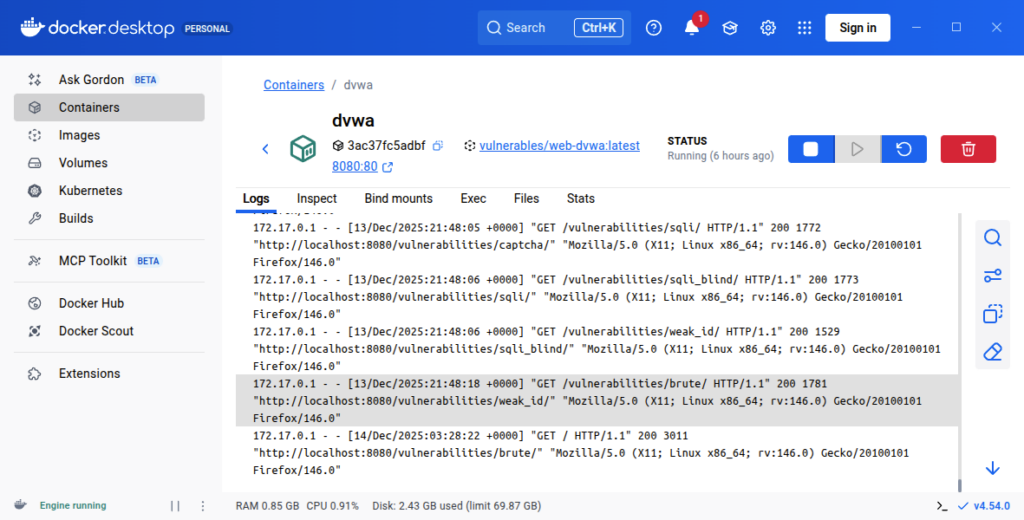
DVWA is a locally hosted app, and there are basically two options for running it—either using Docker or an application like XAMPP. I chose Docker because I’ve wanted to use it ever since Anthony showed me one of his Docker projects about a year ago, but I hadn’t had a good reason to try it until now. Installing DVWA on my Linux machine was a little bit of a nightmare, but once I finally got it set up, I was free to start! The application has fourteen “rooms”, each with it’s own vulnerability. The plan is to start on the first one called “Brute Force” and make my way down the list until I complete them all. So lets jump right into it!
1. Brute Force
This first room is pretty self explanatory. I’m given a login panel and I need to use a brute force attack to get the login credentials. Unfortunately, I immediately guessed the username and password correctly before even attempting an attack. That’s crazy. The username and password is “admin” and “password”. On the bright side, I can just pretend I don’t know the creds and perform the attack as normal.
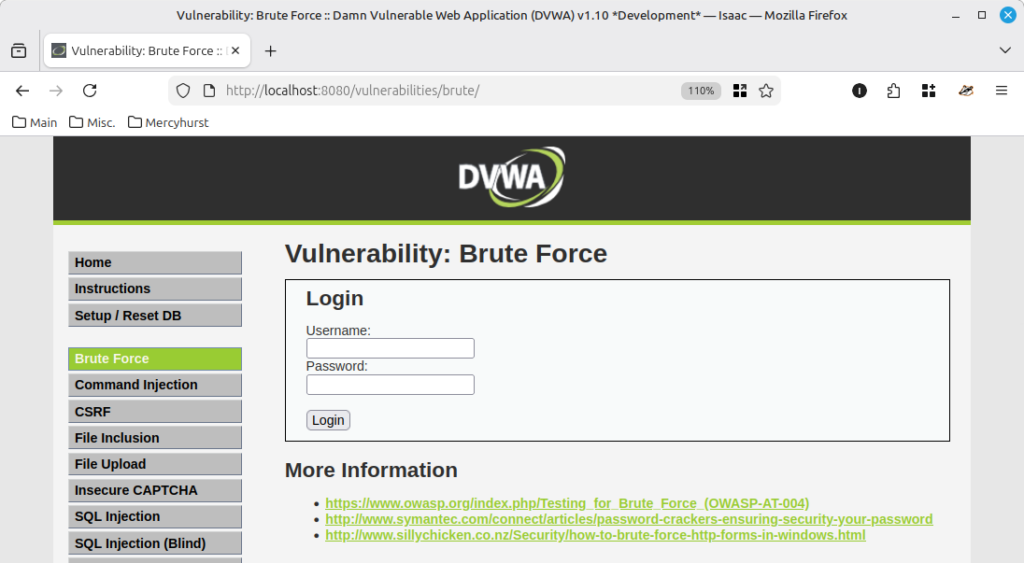
There are a ton of tools for performing brute-force attacks, but I’m going to use a tool called ZAP. ZAP works by sitting between the user’s browser and a web application, recording traffic so HTTP requests can be modified, replayed, and fuzzed (similar to Burp Suite). ZAP includes many additional features, but they aren’t needed yet.
The first thing I did was capture the login request in ZAP using the Explore tool. I navigated to the login page in the Brute Force room and attempted a login with bogus credentials so the request would be recorded. Then I used the Fuzz tool on that request to fuzz the login credentials, using two wordlists I created. By analyzing the response body size of each request, I was able to determine the correct username and password based on which request returned a unique response body size. And easy as that, the room was solved! Below is a video walkthrough of this process.