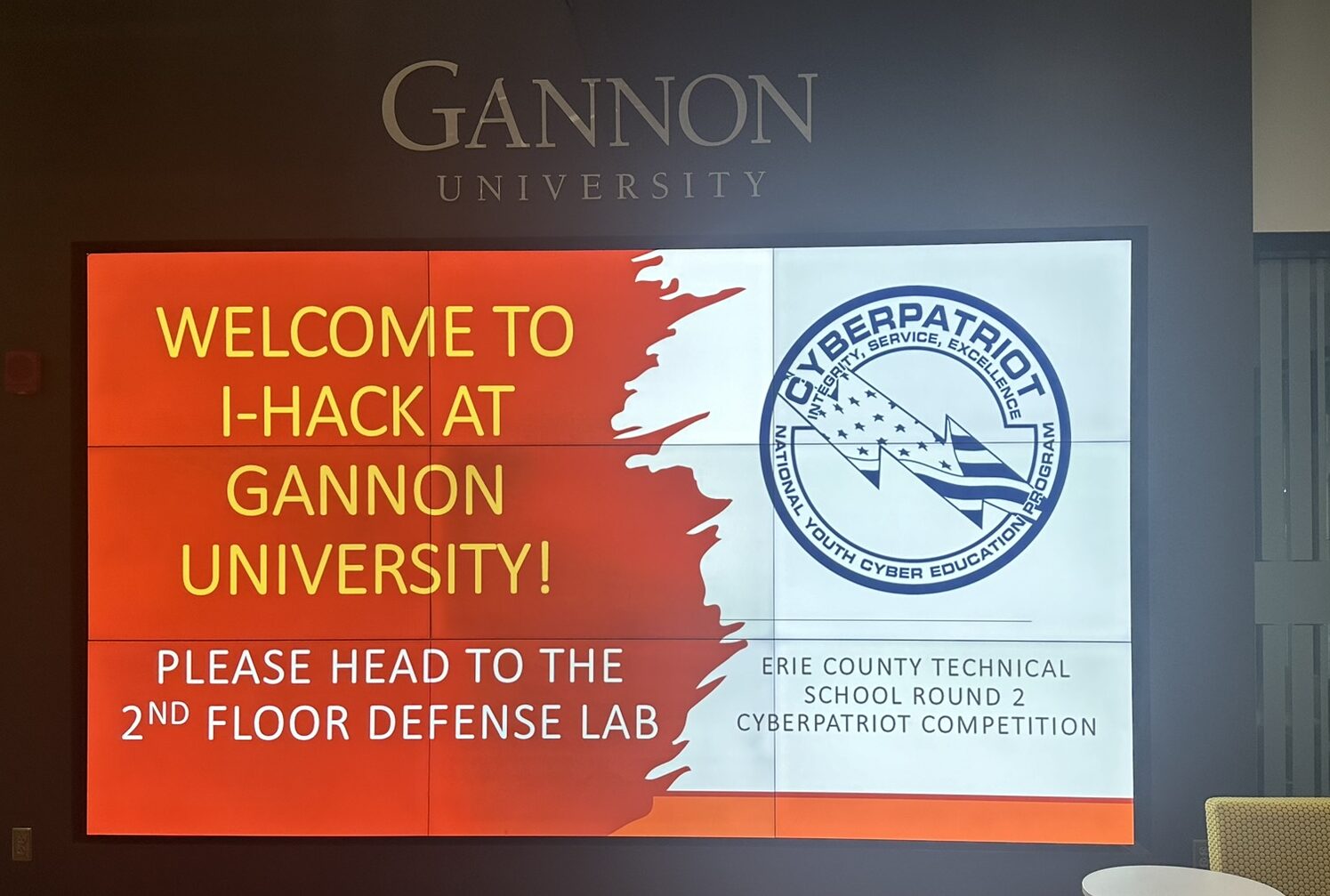
A few networking students are set to participate in the Skills USA Cyber Security States competition. Seeking additional guidance, I put them in touch with Brian Thiessen, a penetration tester and our Cyber Patriot mentor. He provided an email with many recommendations for getting prepped for cyber security work. While his response was crafted specifically to help these students in Skills USA, I thought what he shared might be helpful to others, so I’m sharing it here. Hopefully this will serve as a nice cyber security reference in the future.
Here’s what he shared:
I’m excited that you guys are taking the initiative in your careers and doing some awesome work here.
I see that the competition is going to provide a Kali laptop for you guys to work with, do you feel comfortable moving around in Linux and downloading and running open source tools form github or python repositories?
My first recommendation is to get familiar with the website https://ctftime.org/ . There are always free and open competitions going on that provide great learning opportunities and a fun way to spend a weekend with a team. You’ll be able to learn a lot simply by competing and trying to overcome challenges, don’t worry about scoring or placing when you start out, we all start somewhere and you’ll be amazed at how quickly those scores can go up after the 3rd or 4th competition.
I highly recommend you check out Cyber Chef https://gchq.github.io/CyberChef/ , this tool is a free and opensource git project that effectively completes simple ctf challenges such as encode/decode, reading meta data, and simple data analysis, this tool should be the starting point for 50% of ctf challenges.
If you want a more formal learning structure https://academy.hackthebox.com/ offers some great intro level courses (and free if you complete the intro courses 100%), this is actually how I learned and got my start! The process can be time consuming and at times incredibly challenging, understand that anything beyond the complete intro courses on this site are meant to train users for their careers, not just a fun learning environment.
As for the Skills USA competition itself I am seeing a lot of emphasis on the Sec+ exam material. I hope you’ve already been provided with books to read regarding the exam, sadly when dealing with CompTIA books and written materials are going to be the best way to study and train for the exams.
Let me know if you need a digital copy of any training materials, I have more than a few PDF’s stored from my own collection.
And any questions you guys have send me an email, screenshot are always encouraged, and if you register for a CTF let me know and if I have time I’ll get my team together and we can compete against you!
One last thing, if you dive into the ctf space you’re going to hear a lot about “write up’s”, these are reviews written by teams about how they viewed and tackled the challenges, it’s not an expectation (unless you place top 3) but i highly recommend you take the time to review some of the top teams write up’s and see how they were able to overcome challenges that may have stumped you.
-Brian Thiessen (in response to a request for cyber security competition prep)
A follow up email that Brian shared:
For vuln scanners it really depends on the systems you intend to scan. (Endpoint, webapp, website)
For network discovery I would highly recommend getting familiar with the different scanning features in nmap and how to export those results, being able to grep, and awk a file are going to be invaluable when parsing information.
There are different vuln scanners for each of these systems.
Endpoints (windows/Linux/servers): If the comp allows id grab a free license of Nessus, you’ll be able to scan up to 16 IP’s at once with limited scan rate but it’s industry standard for a reason.
If you need to stay open source OpenVAS is an alternative but requires some networking and potentially proxy’ing traffic.
The nmap scripting engine is a decent vuln scanner but can be very aggressive so I’d ask a competition coordinator if you can use it (if they say yes then ask if you can -A the snac, if they say yes get it in writing and send it that’s the most aggressive setting but it’s fast)
Webapps: The best tool you won’t be able to use is going to be Burp Suit pro. I doubt they let you use the product version but it comes with a very powerful webapp scanner. If you enjoy webapp testing I highly recommend getting used to manually running Burp community, there is a tone of free training on the port swigger website. (Can’t link I’m writing this on my phone). I’d almost expect you to at least use this if they present a webapp or website containing a login page.
The free open source alternative is OWASP Zap, it comes with a scanner but is a lot more complicated to use as it gives you 100% granular control it can be overwhelming.
Websites: Once again Burp is your best friend here. Zap works as well since websites and webapps share a lot of similarities.
I don’t really recommend using nikto, it’s pretty outdated and can hit the target systems pretty hard.
Definitely check out Nuclei for all of the above and any other tool from project discovery, they make some great open source tools. For a bunch of different use cases.
For stego the only tool I can really recommend is called openstego, keep in mind cyber chef can hit the basics there, id reserve attempting this tool only after being specifically told it’s a stego problem.
Oh and the string command, I can almost guarantee that’ll be the answer to a basic stego problem.