I’ll start this by saying, I love data…or maybe more specifically, nicely organized data. I love relational databases. There’s just something really enjoyable about swimming through data and writing queries to pull back that perfect data set from any multitude of related tables…and let’s face it, data runs the world.
With that said, I have a problem. When teaching SQL with relational databases, it’s just a really hard topic to get students excited about…I mean, very rarely is a student excited about a result set he/she was able to retrieve or update.
In thinking about this, I think one of the problems is that the datasets that go along with textbooks, while fully functional, are not very interesting and usually so small that the value of the query is lost on the surface when comparing to a simple spreadsheet. So I went on a hunt for available datasets to import for us to query off of instead. I know stack overflow offers some, and I thought about using that, but I thought I’d look for something more fun (not that stack overflow and all the help there wouldn’t be considered “fun”).
I arrived at the IMDb (Internet Movie Database) datasets, and the adventure began.
These datasets are freely available as gzipped tab delimited files (described here, found here). At first I thought I’d just write some scripts to import it all, but then I thought, “this has to have been done before”…so off to google and then GitHub.
I arrived at a nicely documented github repo that had a python script that broke the tsvs (tab separated value files) down into smaller related tsvs and then had some sql scripts for importing.
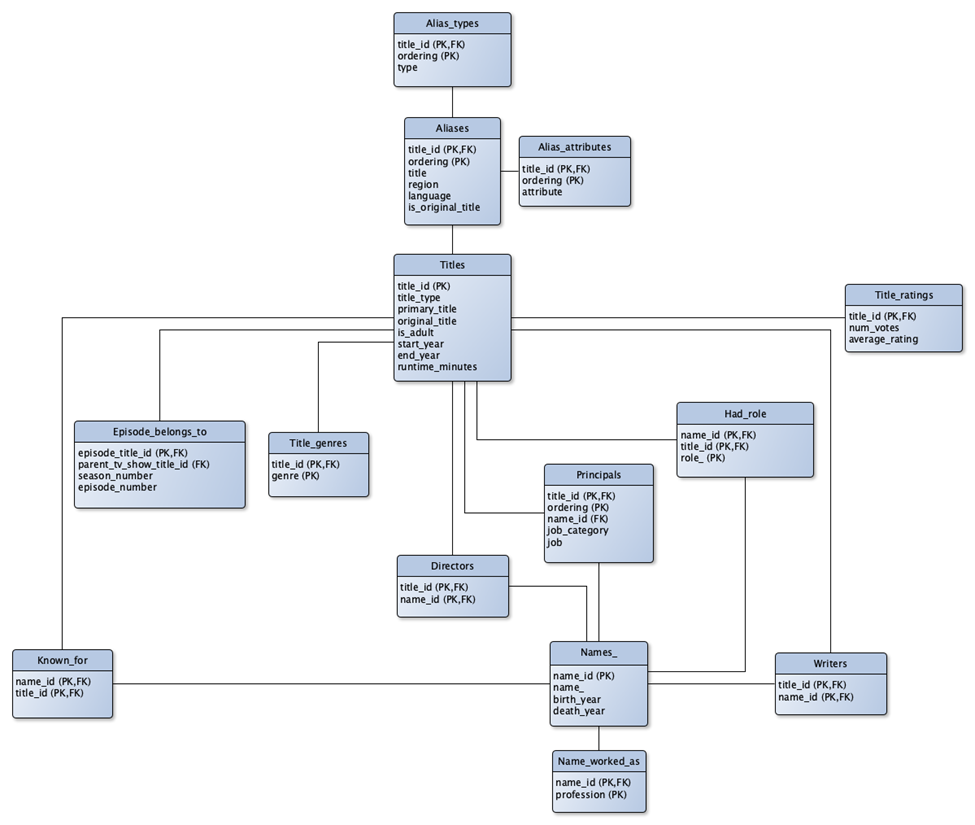
Here’s the ER Diagram of the database to be created from the tsv files as found in the github repo:
I cloned the repo, and made a few modifications to the python script to make it work with what I had (I commented out the extraction process because I had already unzipped the files, I changed the path variable to point to my main directory, and changed a few concatenated strings to point to each file called data.tsv in its respective directory to match my local setup). After that, I ran the program, hit a few errors for missing python modules, pip installed them and then let it rip.
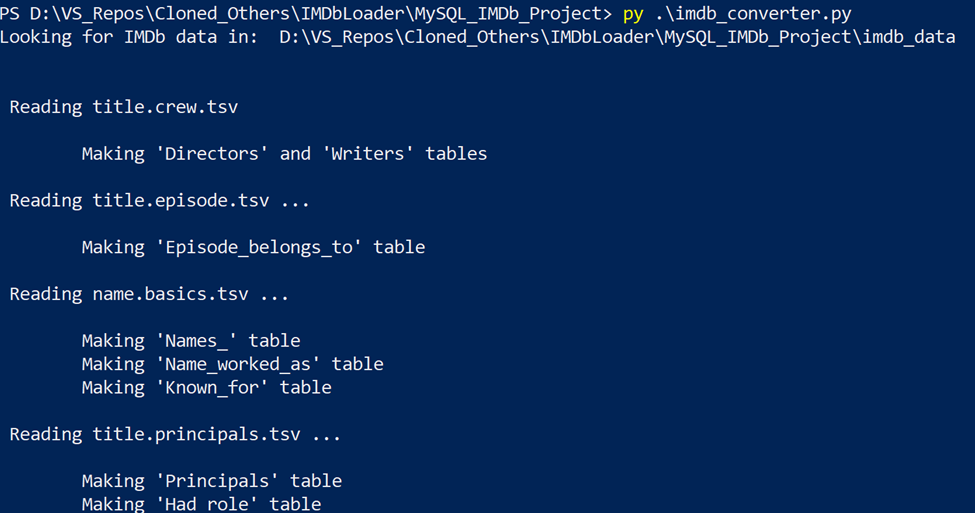
This script took a long time to run…I mean a LONG TIME….and tanked my machine for the remainder of the evening (specifically title.principals.tsv and title.akas.tsv). It was loading gigs of data into memory and then manipulating it from there. Thankfully, it occasionally output updates to the shell to let me know what it was working on.
By the next morning (probably about 12 hours later), it had finished creating the new, broken out tsv files and it was time to run the sql scripts. It was actually sad how excited I was to finally be at this step.
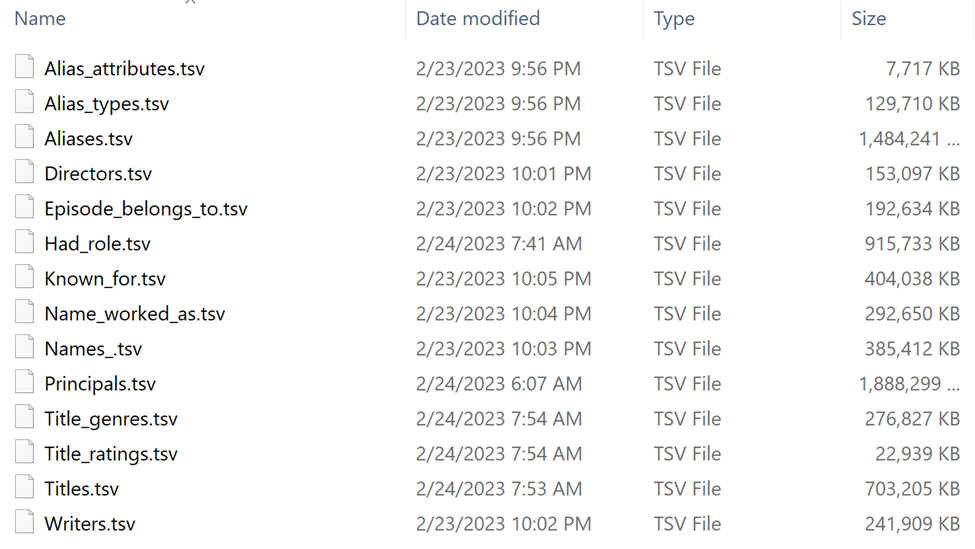
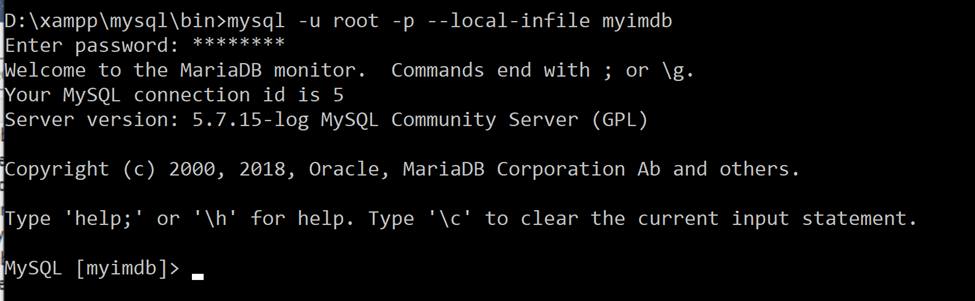
Everything from the repo I had pulled was nicely documented, so this was a relatively simple (yet, slow) process. I signed in to my local mysql instance from the command line because I needed to connect with the flag “–local-infile”, which I found was otherwise disabled in normal settings due to security risks.
Then, just as the documentation said from the repo, I just had to run a few of the included sql scripts, again, after modifying the scripts to have the paths pointing to the files the python script created on my system.
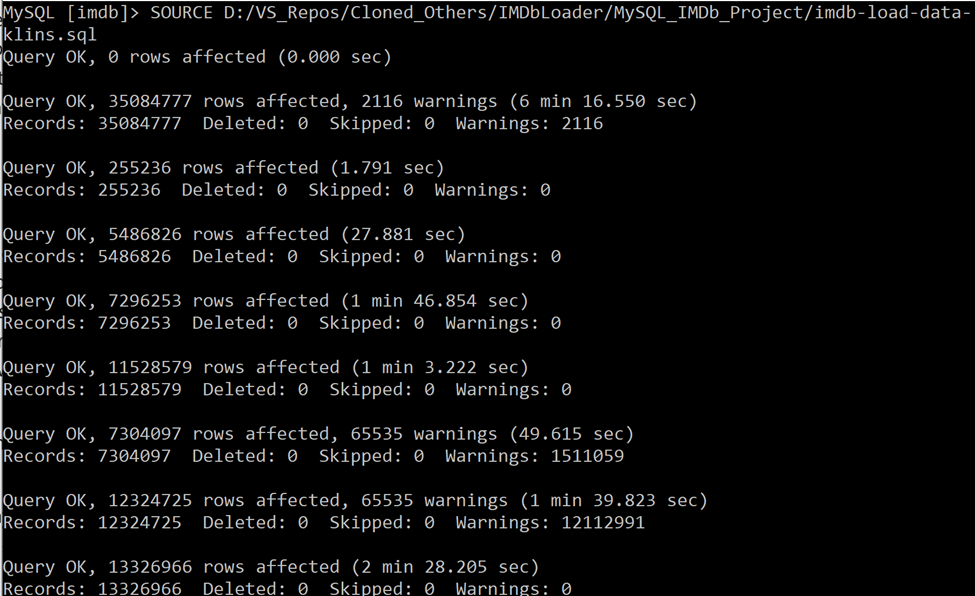
Again, this started tanking my machine for a moment, but after a short bit, I started seeing the results I was hoping for.
OH NO…A crash 🙁 …mysql was storing all the db data on my C drive, which did not have enough space to store the files…everything was going haywire for a moment and the drive was showing as completely full. I had to stop the mysql process through task manager -> services, then I had to navigate to the mysql data directory (C:\ProgramData\MySQL\MySQL Server #.#\Data) and delete the imdb directory.
Then I had to change the data-dir in the my.ini file located here (C:\ProgramData\MySQL\MySQL Server #.#) so that it pointed to a different drive.
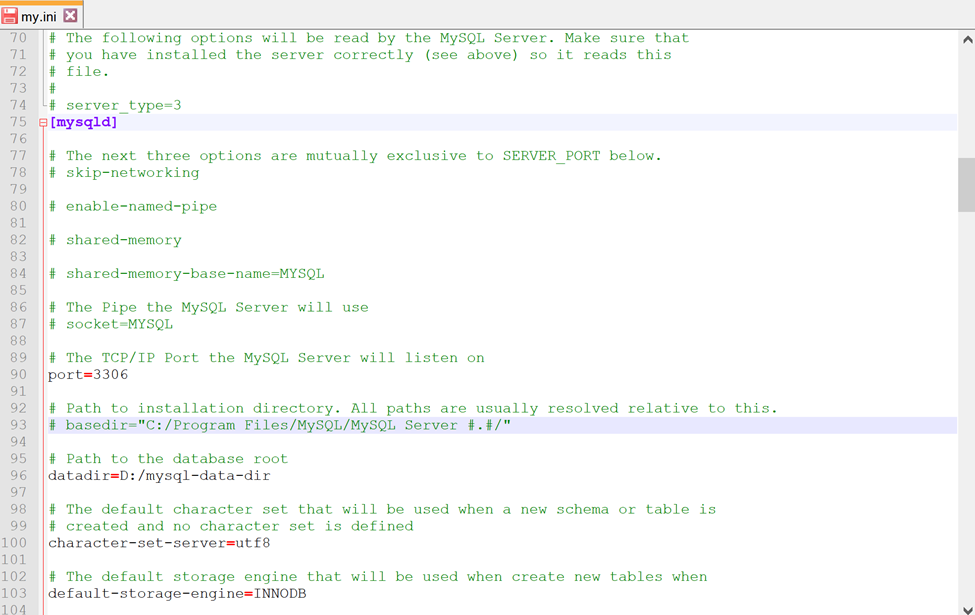
Then I moved the files from the old data directory to the new one (freeing up space again), dropped the imdb database, and started the db creation process over again. This time, it took a little longer for each table (about 3x longer), presumably because I was not saving to the C drive which was a solid state, and instead to my D drive, which was mechanical. Nonetheless, the process chugged along, I played the waiting game, and finally I had a local IMDb database!
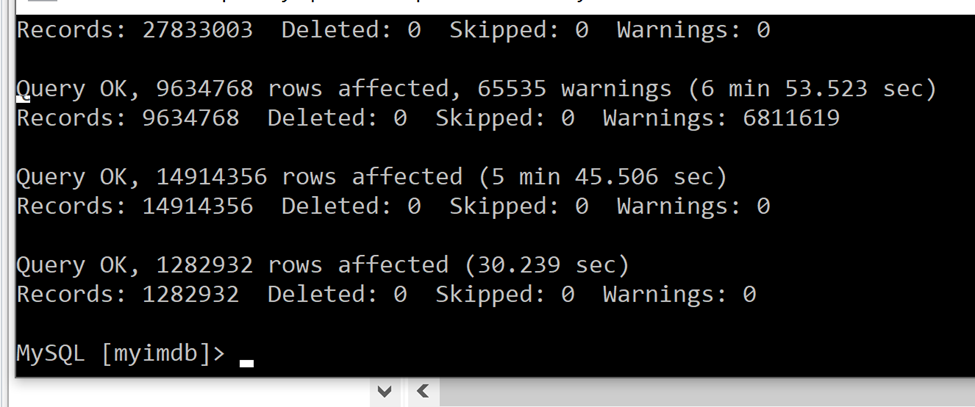
…but still there was more to do.
When the script had finished loading in the data, it was time to build the relationships (Foreign keys) between the tables…again, that wonderful repo had the script for that.
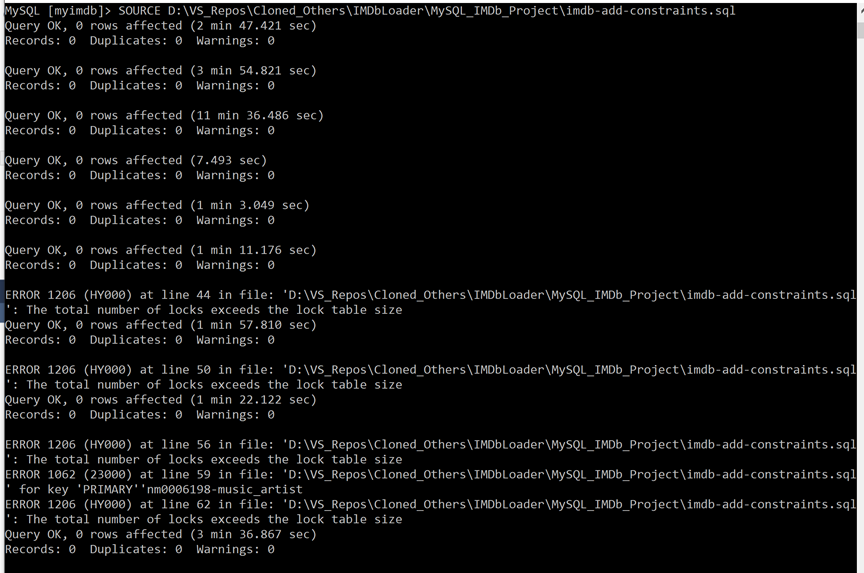
Adding the constraints took a long time, and threw a few non-crashing errors. I left it to finish in the night.
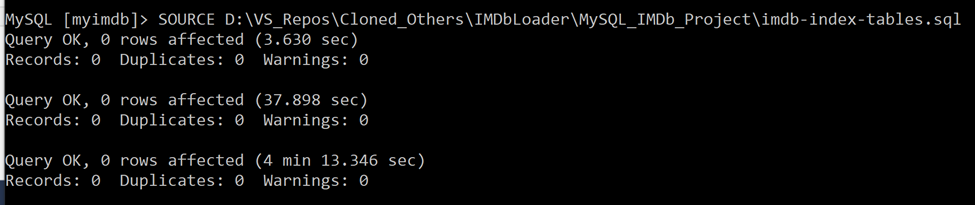
Almost done. Now, I had to run the script to put indexes back on the tables. This was to help speed up queries on this dataset.
Lastly, I had to run a few sql scripts to strip out the adult content and anything from before the year 2000 (the latter being to reduce db size)…this took a while to run, so in hindsight, I wish I had tried to address this up front in the python scripts to prevent the titles from ever being offered, but there was no going back now.
 /*could've probably done a temp table, but it would be lost when a conection dropped*/
CREATE TABLE for_delete
 (title_id varchar(255),
 PRIMARY KEY my_pkey (title_id), INDEX my_unique_index_name (title_id))
 as SELECT title_id FROM titles where is_adult = 1 or start_year < 2000;

 delete title_ratings from title_ratings inner join for_delete fd on fd.title_id = title_ratings.title_id;
 delete had_role from had_role inner join for_delete fd on fd.title_id = had_role.title_id;
 delete alias_types from alias_types inner join for_delete fd on fd.title_id = alias_types.title_id;
 delete alias_attributes from alias_attributes inner join for_delete fd on fd.title_id = alias_attributes.title_id;
 delete aliases from aliases inner join for_delete fd on fd.title_id = aliases.title_id;
 delete principals from principals inner join for_delete fd on fd.title_id = principals.title_id;
 delete episode_belongs_to from episode_belongs_to inner join for_delete fd on fd.title_id = episode_belongs_to.parent_tv_show_title_id;
delete from title_genres where title_id in (select title_id from for_delete);
 delete from titles where is_adult = 1 or start_year < 2000;
 drop table for_delete;
 update title_genres set genre = replace(genre, '\r\n','');
Finally I had a beautiful new IMDb database. Now it was simply time to dump the data back out in a convenient shareable package for the students.
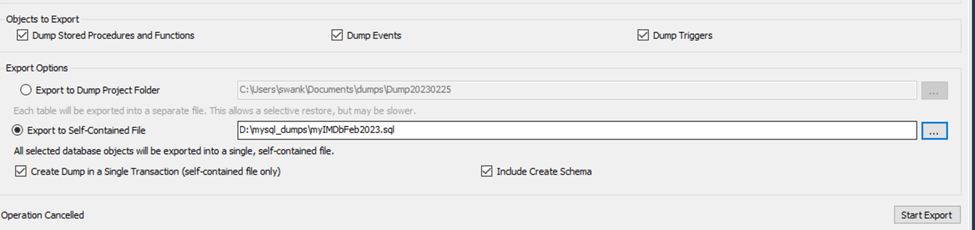
I did that, and voila! I had my files! It’s going to take some serious class time for each student to import these files so I imported them to a db everyone could at least have read only access to, but I think the payoff is going to be great! Now, I can’t wait to start talking about sql with the gang!
So, in summary, the whole point of this article is to share the following about a process that took over 3 days to complete:
- I love databases and I love my students and I want them to enjoy our time exploring together. I want everyone to love databases.
- GitHub is your friend and being able to understand other people’s code (not just your own) and make modifications where needed is important. Once you understand the tools, don’t rebuild the wheel if you don’t need to so you can accomplish your goal.
- It’s important to not get discouraged when you hit a wall for a moment.
- Google is your friend!
- Sometimes all you need is patience.
The key reason I’m sharing this is that nothing about this process was “fun”, but I felt great satisfaction as I was tested to work through the hurdles (finding a fun dataset, finding a way to get the dataset in the format I needed, modifying the code, working with mysql in the command line with flags to bypass security, fixing the disk storage issue, and finally importing and then exporting it all for everyone to use). These are the experiences that take it from a hobby to a passion and/or a career.