Introduction:
In this article, we’ll explore my journey with Unity as I embarked on a project to create a Rocket League-style game. I’ll share how I tackled various challenges and implemented exciting features, such as realistic car controls, intuitive camera movements, and interactive UI elements. Each step of this project has been a learning experience that has enriched my skills as a Unity developer.
Creating Realistic Car Controls:
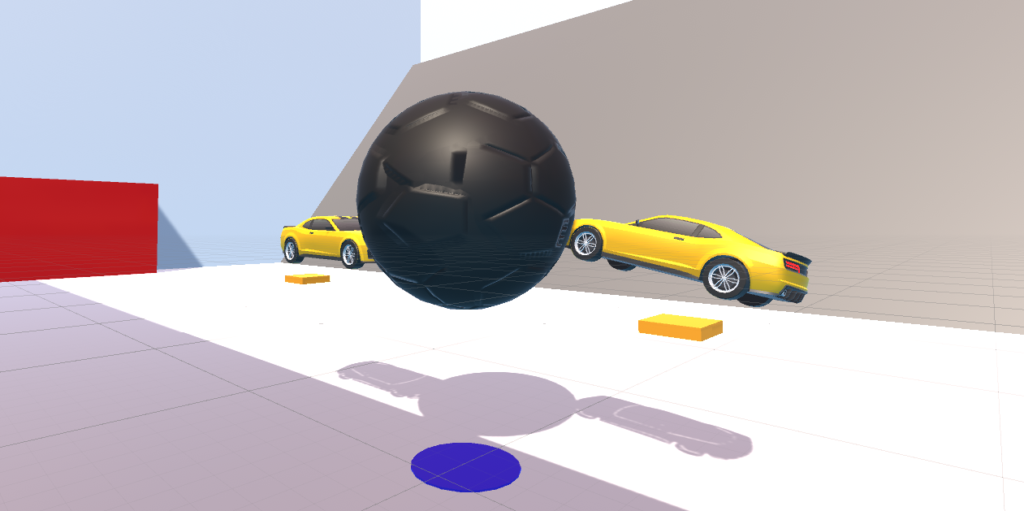
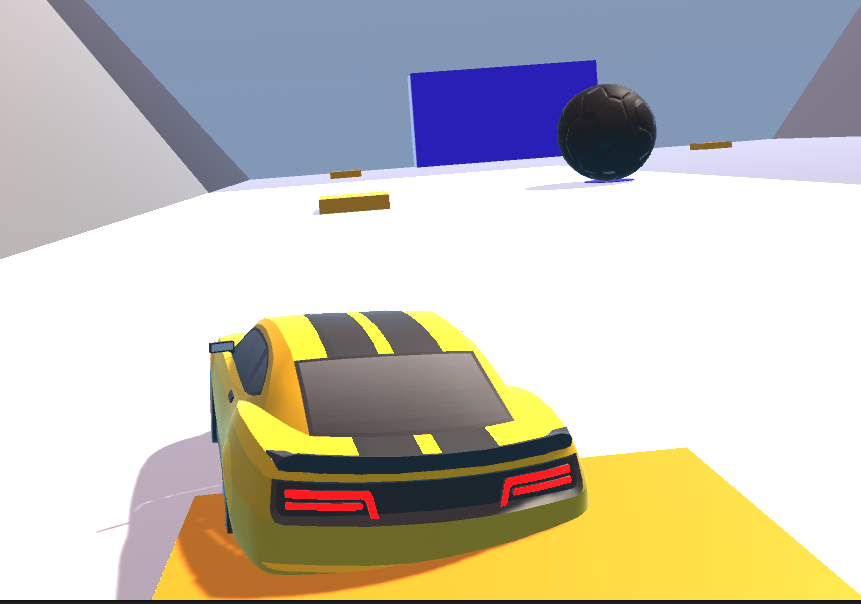
One of the core components of my Rocket League-inspired game was creating realistic car controls akin to those found in racing games. I developed a custom script to handle the car’s movement, including acceleration, braking, and steering. Through careful adjustments of the physics settings and input sensitivity, I achieved a smooth and responsive driving experience. Additionally, I implemented a feature, boost pads to enhance the gameplay dynamics, adding depth and excitement to the gameplay.
Implementing Intuitive Camera Movement:
Another key aspect of the project was implementing intuitive camera movement that mimicked the behavior of the camera in Rocket League. I utilized a combination of mouse input and smooth interpolation to allow players to look around freely while maintaining a connection to the car’s movement. By incorporating options for adjusting sensitivity and inverting vertical look, I ensured that the camera movement could be customized to suit different player preferences, enhancing the overall gameplay experience.
Designing Interactive UI Elements:
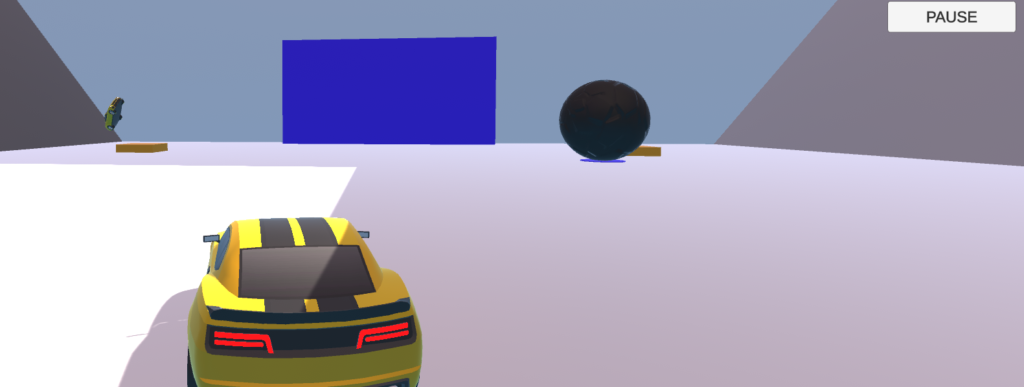
UI design played a crucial role in enhancing the overall user experience of my game. I paid special attention to creating interactive and visually appealing UI elements using Unity’s UI tools. I designed menus, buttons, and HUD elements that were intuitive to navigate and provided essential information to the player.
Challenges and Solutions:
Throughout the development process, I encountered various challenges that required creative solutions. For example, implementing realistic physics for the car controls required fine-tuning parameters such as mass, drag, and friction to achieve the desired behavior. I also had to optimize the camera movement to prevent jerky or disorienting motions, especially during fast-paced gameplay. Each challenge was an opportunity to learn and grow as a developer, ultimately leading to a more polished and enjoyable game experience.
Help from ChatGPT:
Throughout my journey with Unity, I’ve received invaluable assistance from ChatGPT. ChatGPT has been instrumental in providing guidance, suggestions, and solutions to overcome various technical hurdles. Whether it’s optimizing car controls, refining camera movements, or enhancing UI designs, ChatGPT has offered insights and tips that have significantly improved the quality and functionality of my game. The interactive nature of ChatGPT’s assistance has not only helped me solve specific challenges but has also expanded my understanding of Unity’s capabilities. I’m grateful for the support and look forward to leveraging ChatGPT’s expertise in future endeavors.
Conclusion:
My journey to create a Rocket League-style game with Unity has been a rewarding experience, filled with opportunities to explore and innovate. By tackling challenges in car controls, camera movement, and UI design, I have honed my skills as a Unity developer and gained valuable insights into game development. I’m proud of the progress I’ve made and look forward to applying these skills to future projects, continuing to push the boundaries of what can be achieved with Unity.
WEBGL Build ⬇️