1. What is JSON?
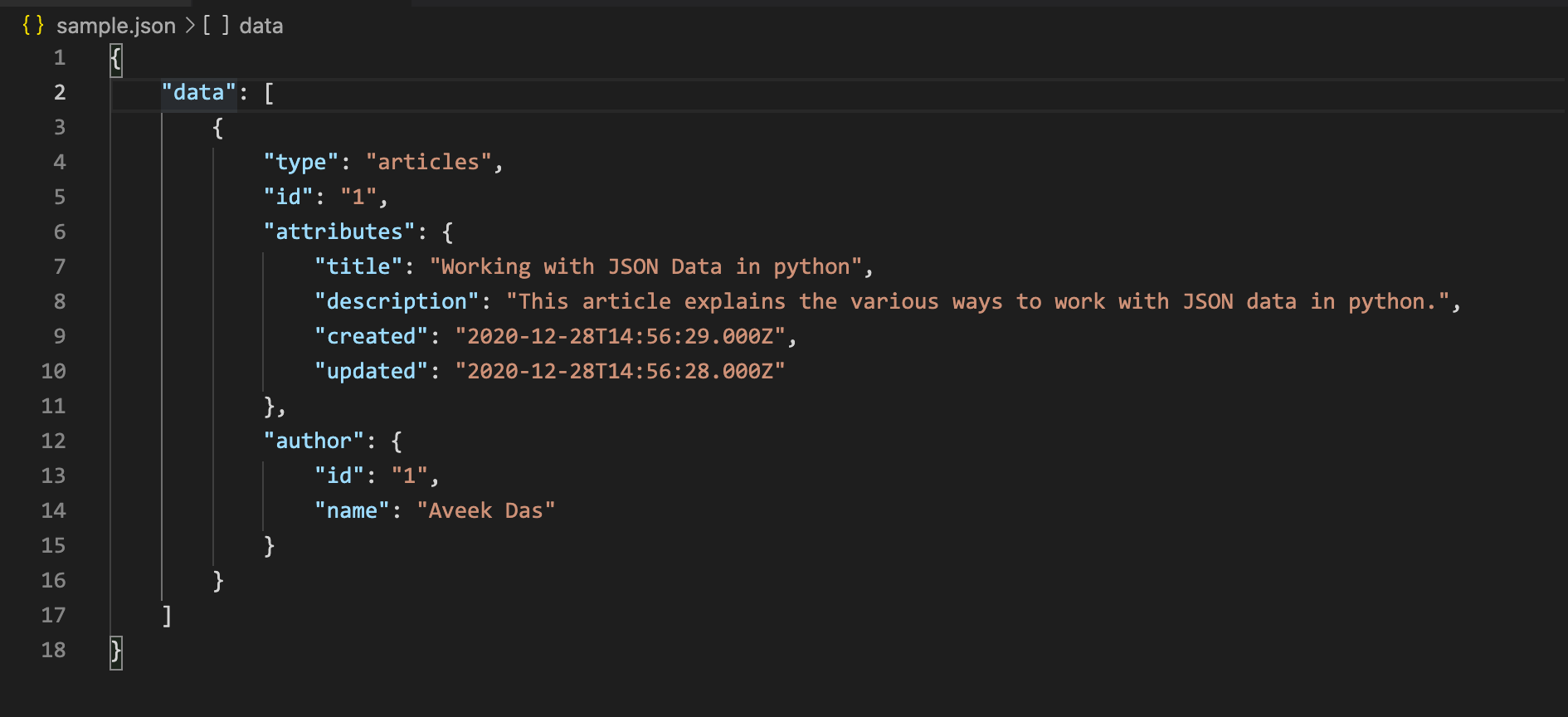
JSON, which stands for JavaScript Object Notation, is a lightweight data interchange format. It is easy for humans to read and write, and it is easy for machines to parse and generate. JSON is often used to transmit data between a server and a web application, or between different parts of an application. It is based on a subset of the JavaScript Programming Language, Standard ECMA-262 3rd Edition – December 1999.
2. JSON Syntax Rules and Guidelines:
JSON has a specific set of rules and guidelines that need to be followed:
- Data Types: JSON supports several data types, including strings, numbers, objects, arrays, booleans, null, and nested JSON objects or arrays.
- Object Format: JSON objects are enclosed in curly braces { }. They consist of key-value pairs, where keys must be strings enclosed in double quotes, followed by a colon, and then the corresponding value. Multiple key-value pairs are separated by commas.
{
    "name": "John Doe",
    "age": 30,
    "email": "johndoe@example.com"
}
- Array Format: JSON arrays are enclosed in square brackets [ ]. They contain a list of values separated by commas.
{
    "fruits": ["apple", "banana", "cherry"]
}
- String Format: Strings must be enclosed in double quotes.
{
    "message": "Hello, World!"
}
- Numeric Format: Numbers can be integers or floating-point values, without quotes.
{
    "price": 9.99
}
- Boolean Values: JSON supports true and false for boolean values.
{
    "isAvailable": true
}
- Null Value: JSON includes a null value to represent empty or missing data.
{
     "description": null
}
3. Reading JSON:
When reading JSON, follow these guidelines:
- Start at the root, which is the outermost object or array.
- Use keys to access values in objects.
Example: To access the “name” value in the JSON object: jsonObject.name
- Use indexes to access values in arrays.
Example: To access the second element in an array: jsonArray[1]
Sample Json with nested objects and arrays:
{
    "startday": "2023-08-29",
    "endday": "2024-06-06",
    "events": [
        {
            "event": "Teacher In-Service",
            "days": ["2023-08-25", "2023-08-28"]
        },
        {
            "event": "Labor Day",
            "days": ["2023-09-04"]
        },
        {
            "event": "Teacher In-Service",
            "days": ["2023-10-09"]
        },
        {
            "event": "Thanksgiving Break",
            "days": [
                "2023-11-22",
                "2023-11-23",
                "2023-11-24",
                "2023-11-27"]
        },
        {
            "event": "Winter Break",
            "days": [
                "2023-12-25",
                "2023-12-26",
                "2023-12-27",
                "2023-12-28",
                "2023-12-29",
                "2024-01-01"]
        },
        {
            "event": "MLK Day",
            "days": ["2024-01-15"]
        },
        {
            "event": "Presidents' Day",
            "days": ["2024-02-19"]
        }
        ,
        {
            "event": "Spring Break",
            "days": ["2024-03-29",
            "2024-04-01",
            "2024-04-02",
            "2024-04-03",
            "2024-04-04",
            "2024-04-05",
            "2024-04-08"]
        },
        {
            "event": "Memorial' Day",
            "days": ["2024-05-27"]
        }
    ]
}
- Be aware of nested objects and arrays. You may need to chain multiple keys or indexes to access deep values.
- Eg. jsonObject.events[0].days[1] would lead to “2023-08-28”
- Pay attention to data types. Ensure you use the correct data type for a specific value (string, number, boolean).
- Handle potential null values gracefully in your code.
These guidelines will help you correctly interpret and read JSON data.