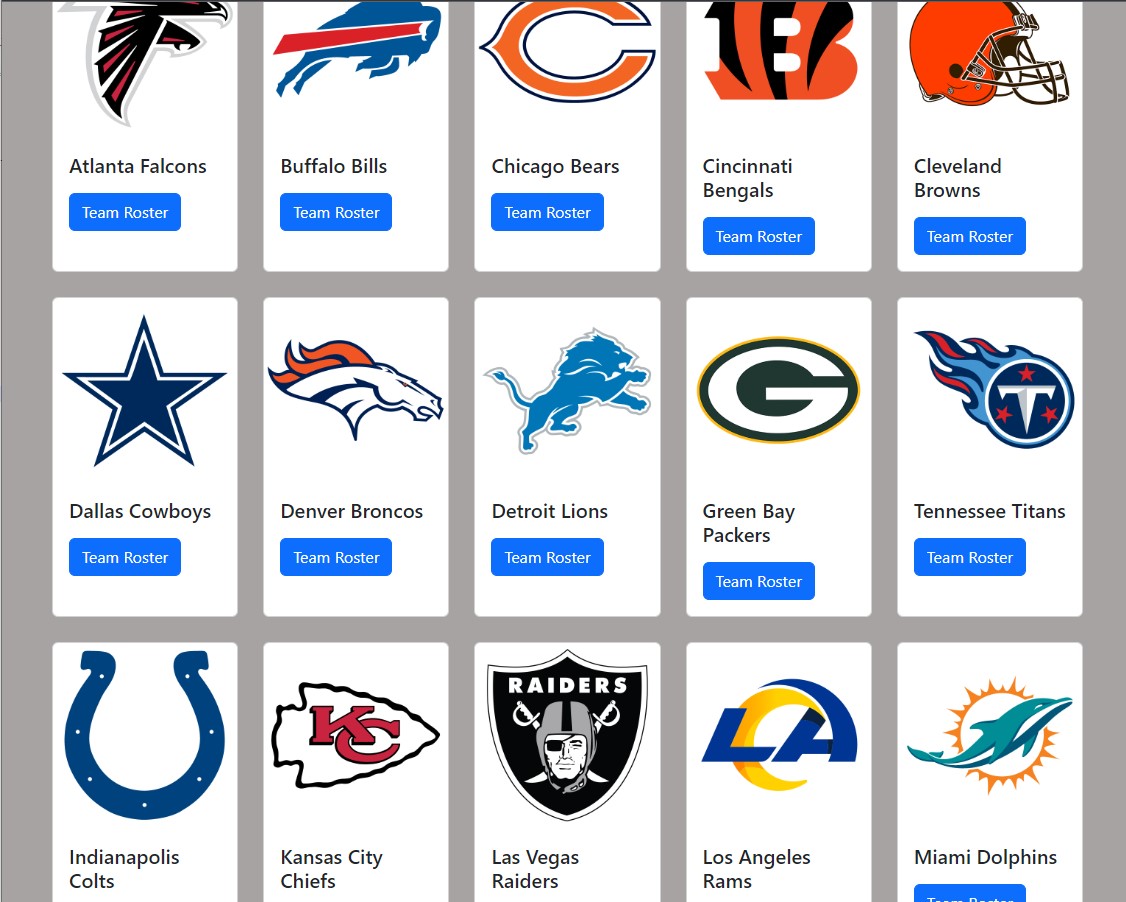
To preface, I wanted to make my own fantasy football app and I wanted to start off by finding a database with all the player info and stats but I couldn’t find any so I decided to make my own.
Then I stumbled upon a specific page of espn’s NFL api, it basically listed all the athletes to ever play. After a little bit of researching I started inputting different queries and managed to get a teams list and a list of athletes.
Below is a list of endpoint I used for this project:
- List of all players: https://sports.core.api.espn.com/v2/sports/football/leagues/nfl/athletes/?limit=1000
- List of Players from teadid “23” (Steelers): https://sports.core.api.espn.com/v2/sports/football/leagues/nfl/seasons/2022/teams/23/athletes?lang=en®ion=us&limit=100
- List of Teams: https://sports.core.api.espn.com/v2/sports/football/leagues/nfl/teams?limit=32
- List of Player (TJ Watt) attributes : http://sports.core.api.espn.com/v2/sports/football/leagues/nfl/athletes/3045282
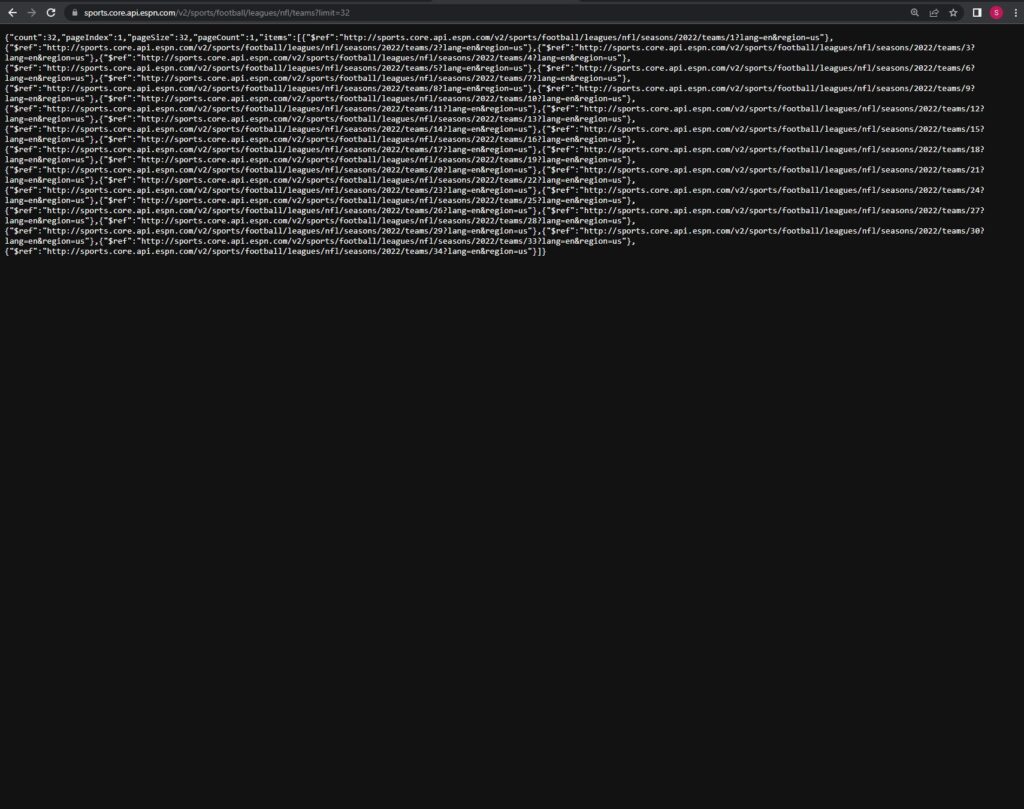
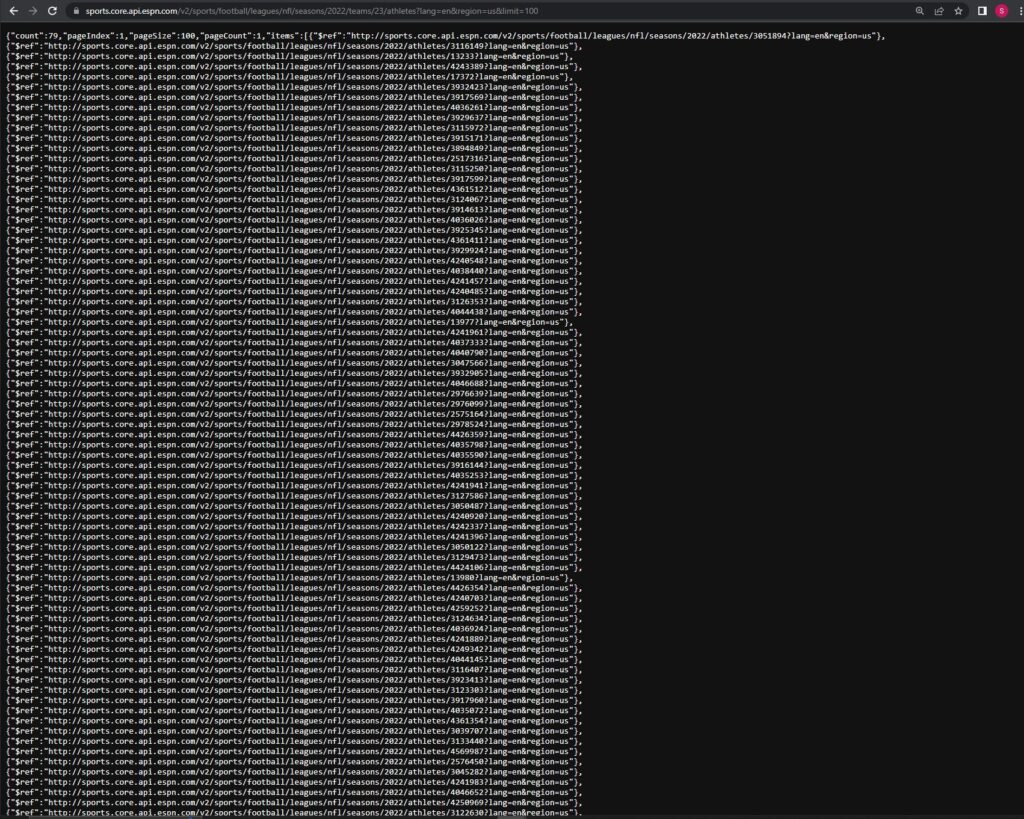
These lists are links to a specific players or teams page and each item inside this list is a link to the players attributes such as position, first name, jersey number etc. Teams are also listed in this way but their links have different attributes like location, logo etc.
The next step was to fetch these links and pull the attributes I needed for my database. To pull this data I made a JS script that fetches the data I need.
fetch(("https://sports.core.api.espn.com/v2/sports/football/leagues/nfl/seasons/2022/teams/16/athletes?lang=en®ion=us&limit=100"))
.then((response) => response.json())
.then((data) => {
console.log(data)
console.log(data.count)
//console.log(data.items[0])
for(let i = 0; i < data.items.length; i++){
loadPlayer(data.items[i]["$ref"].replace("http:",""))
}
});
This functions fetches a teams roster and returns the link to each players attributes for example, here’s TJ Watt’s: http://sports.core.api.espn.com/v2/sports/football/leagues/nfl/athletes/3045282
Then I wrote another fetch function to get the attributes I need from each player:
function loadPlayer(url){
fetch(url)
.then((response) => response.json())
.then((data) => {
var teamHref = data.team.$ref;
var TeamID = teamHref.replace('http://sports.core.api.espn.com/v2/sports/football/leagues/nfl/seasons/2022/teams/','');
var ActualTeamID = TeamID.replace('?lang=en®ion=us','');
Then I made an object for each player and made an array of objects for each teams players.
I repeated this same process for the teams:
LoadTeamInfo();
function LoadTeamInfo(){
fetch(("https://sports.core.api.espn.com/v2/sports/football/leagues/nfl/teams?limit=32"))
	.then((response) => response.json())
	.then((data) => {
console.log(data)
for(let i = 0; i < data.items.length; i++){
	var currentTeam =  data.items[i]["$ref"].replace("http:","");
	LoadEachTeam(currentTeam);

}
});
function Teams(TeamName, CityName, TeamID, TeamLogo) {
  this.TeamName=TeamName ;
  this.CityName= CityName;
  this.TeamID= TeamID;
  this.TeamLogo= TeamLogo;
}
function LoadEachTeam(TeamUrl){
fetch(TeamUrl)
	.then((response) => response.json())
	.then((data) => {
		let t = new Teams(
			data.name,
			data.location,
			data.id,
			data.logos[0].href

		)
postTeamData("InsertTeamData.php", t).then((data) => {
  console.log(data);
});
Lastly, I made a php page and established a connection to my database so I can input my data. To input my data I used post variables from the JS page to the PHP page. Then I just used a simple insert statement into the database. I repeated this process for both the teams table and players table.
I’m currently working on making a roster page , similar to what espan has, in html.
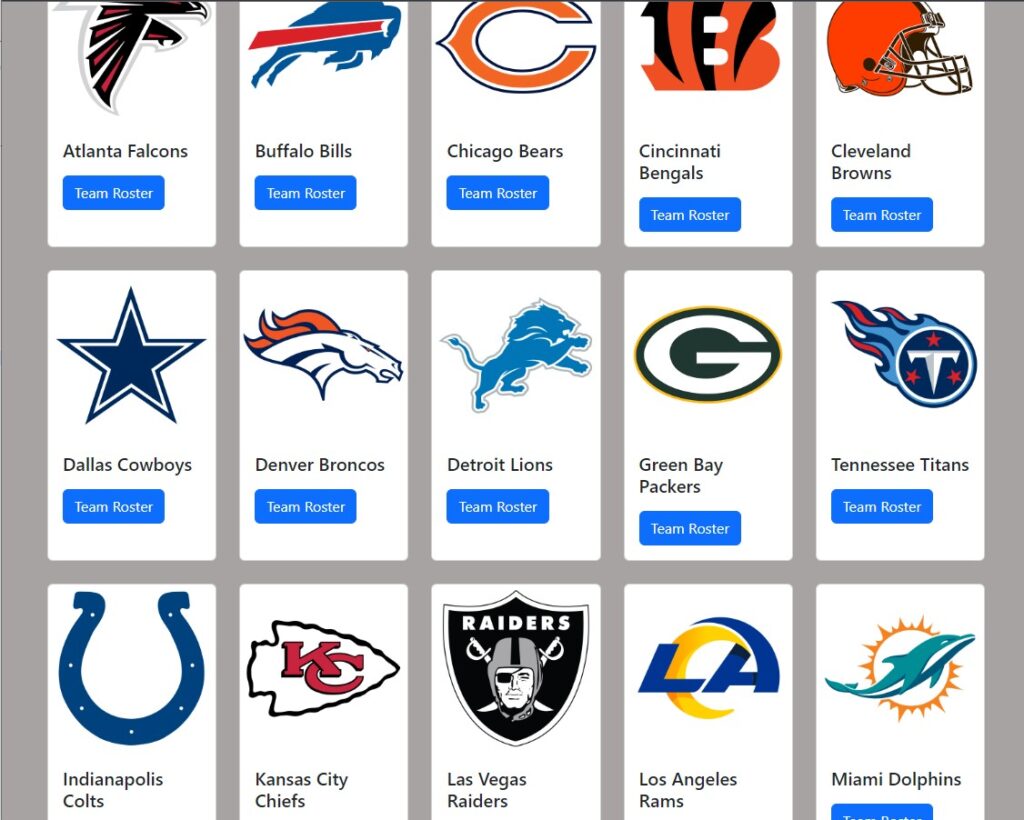
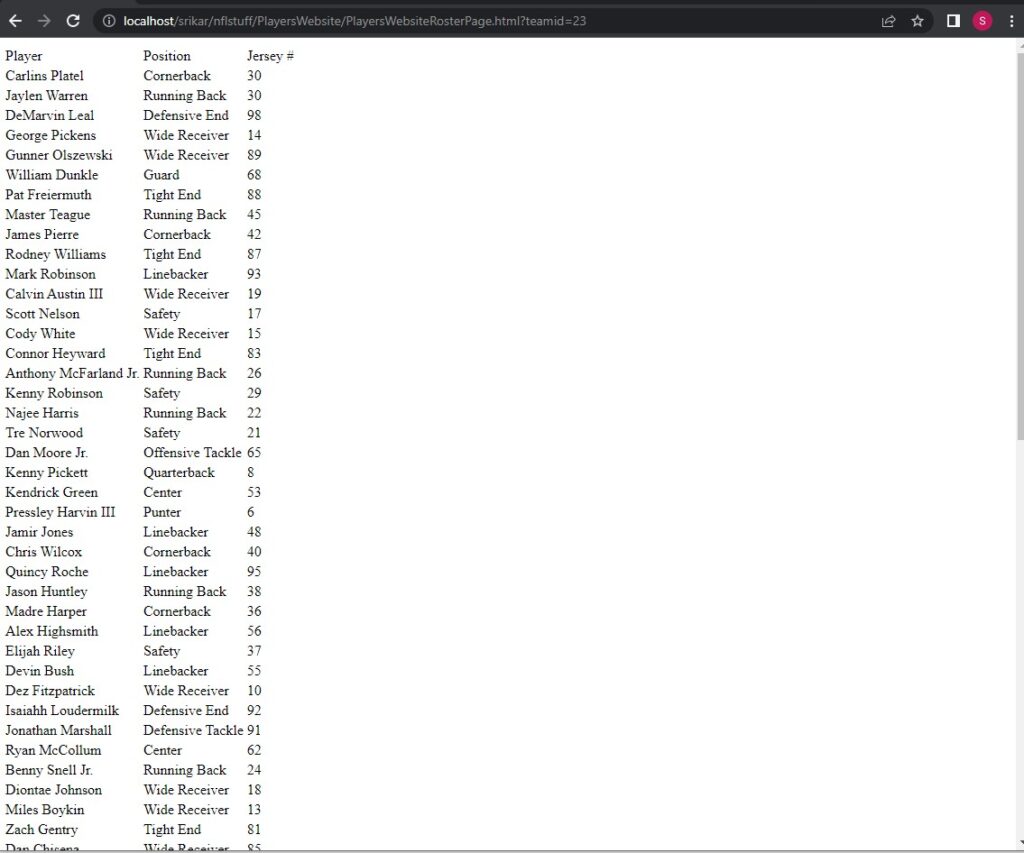
The first page uses attributes such as Logo Image link, team name, location name to display all teams same as the roster page. This is done by establishing a connection to the database using PHP and fetching the results back to this page in JS using GET variables.
I then tidied up the roster by using a JQuery datatable and then added a team logo in the background to make the page look nicer. This table also had better ways to sort and search for players.
The next big update I made was adding a click event to each player’s table row and this would open up a modal with the player stats. To achieve this I made another request to the php server on table row click:
<?php
include("conn.php");
    $id = $_GET["id"];
    $stmt = $conn->prepare("SELECT * FROM playerstable WHERE APIID = ?");
    $stmt->bind_param("i", $id);
    $resp = [];
    if($stmt->execute()){
        $result = $stmt->get_result();

        $resp["PlayerData"] = $result->fetch_all(MYSQLI_ASSOC)[0];
        $resp["result"] = "success";
    }else{
        $resp["result"] = "error";
        $resp["error"] =  $stmt -> error;
    };
echo json_encode($resp);
?>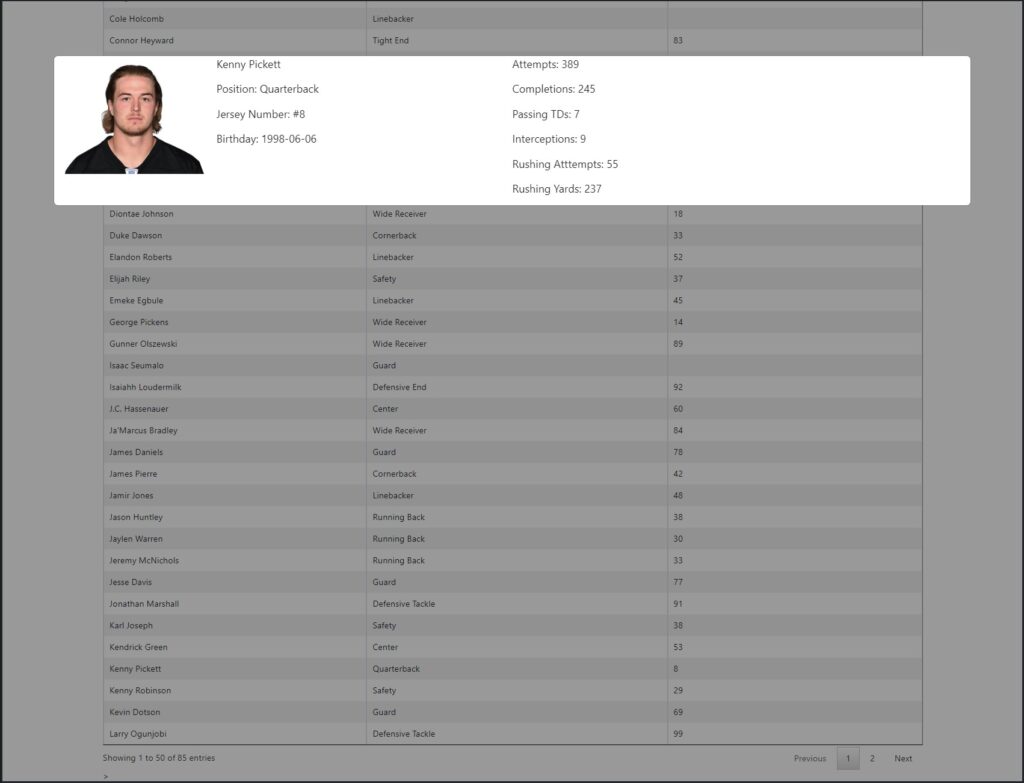
I then added some CSS to tidy up both pages and added a popup that lets you know that player stats are unavailable if they don’t exist in the API.



I’m loving this project. Keep up the good work!