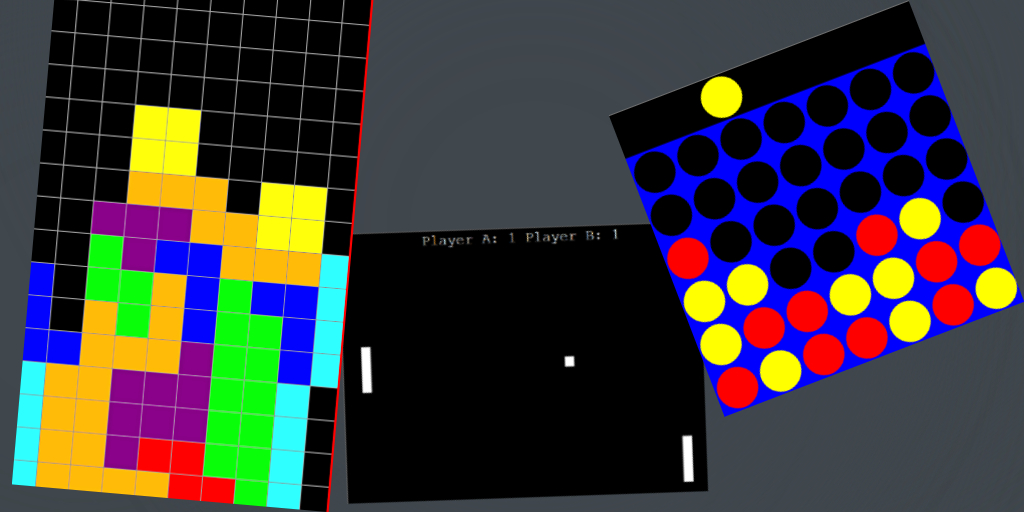
Requirements: Python, Pip, Pygame, basic understanding of python and classes
By Harvest Gehrlein
Video: https://youtu.be/XGf2GcyHPhc
Summary
This video teaches the basic of python and gradually gets more complicated, Each video was simple to understand and follow and anything that was unknown to me was explained through the teachers or I was able to search up what it meant. Some parts can be tedious but can be solved.
1.Pong
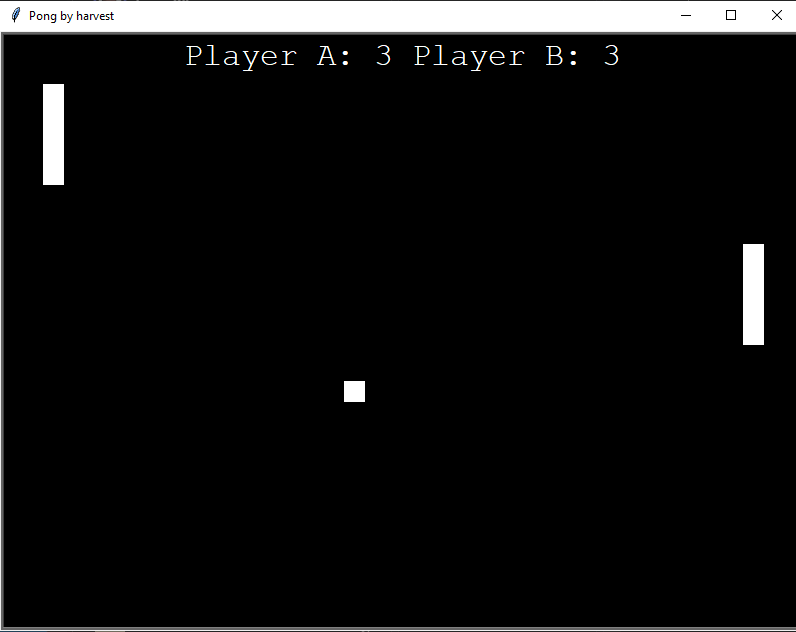
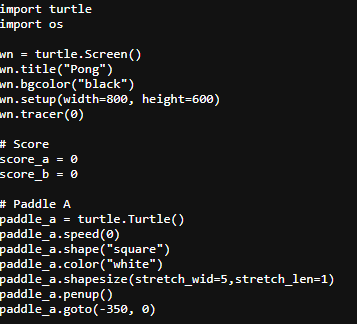
This is the first game in the tutorial, its the only one that doesn’t use pygame but instead uses turtle. It teaches you the basics of movement, and drawing. The teacher explains how everything works and takes it slow allowing you to understand. The program ends up with a basic pong game with scores as well.
Example of turtle:
2.Snake
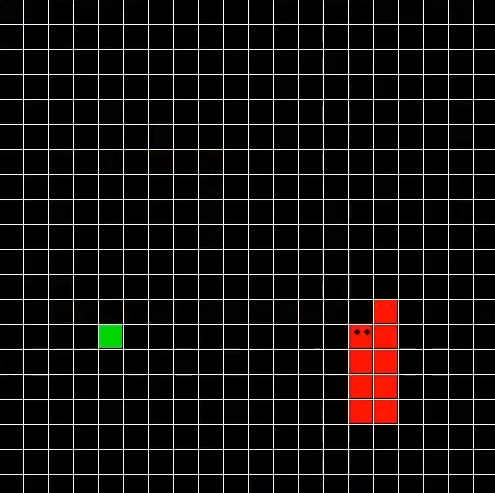
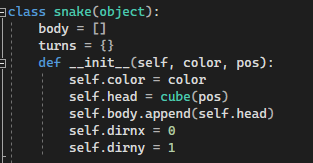
The second guide “snake” teaches you classes and functions it was the most confusing one because it jumps right into it but you start to understand how everything works as you follow along. You also start to use pygame and learn about how to read keys, create a window and the different functions within pygame.
Example of class:
3.Connect 4
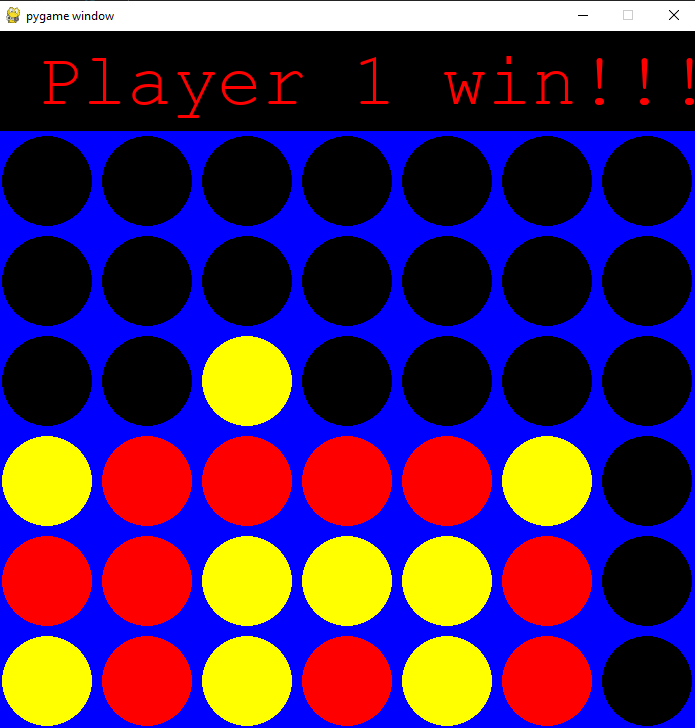
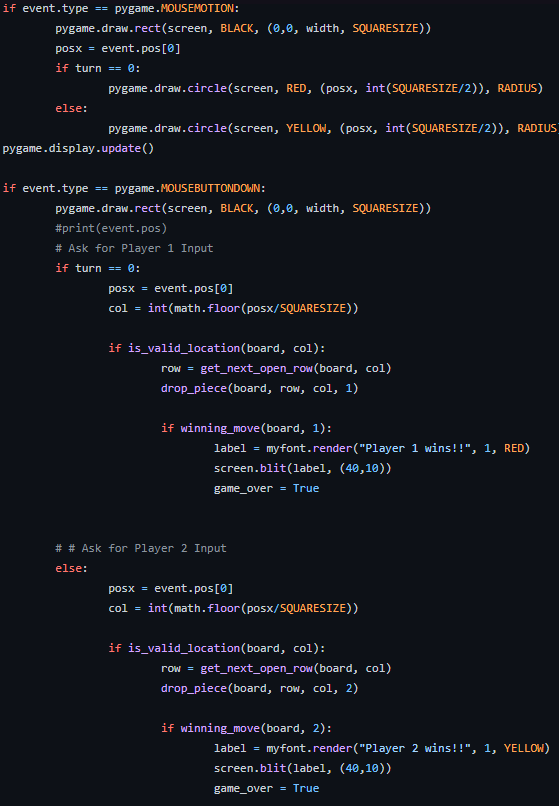
This guide mainly focused on the drawing side of pygame, such as tracking the players mouse on the X axis and drawing a circle to go along with it, creating the grid and pieces to fall correctly but also checking for the different types of wins. Overall it was easy to follow along and even had a simple setup at the start so you could envision how it would work at the end.
Code example:
4.Tetris
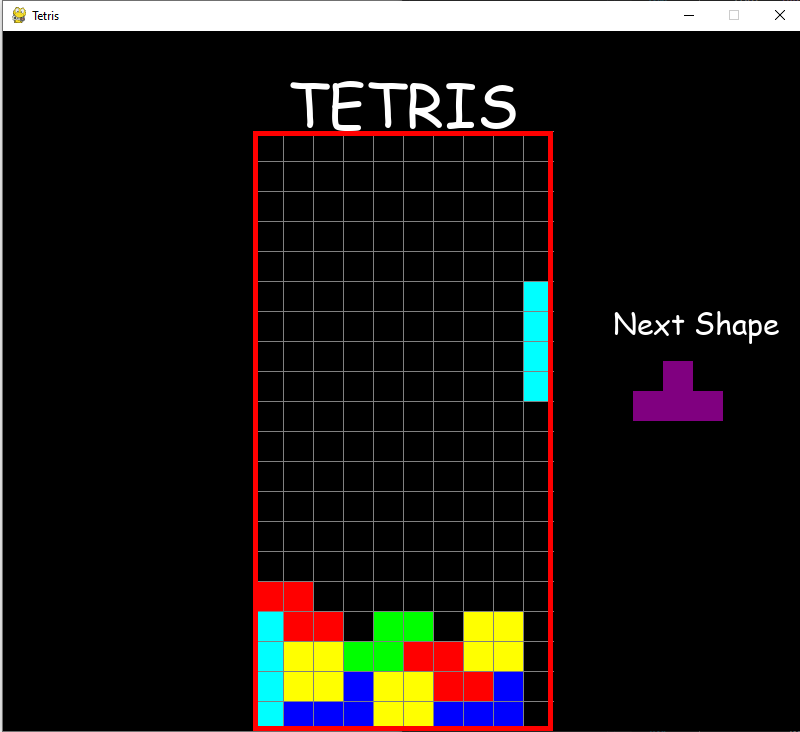
This guide mainly focused on the use of a grid and create walls, gravity and collisions so pieces would stay together. You learn how to create the rotations for each piece and how classes work with said piece and also replay abilty, checking for a valid space or rotation and clearing lines. The tutorial was a little complex especially rotations and valid space but you just have to stay focused.
global grid

    locked_positions = {}  # (x,y):(255,0,0)
    grid = create_grid(locked_positions)

    change_piece = False
    run = True
    current_piece = get_shape()
    next_piece = get_shape()
    clock = pygame.time.Clock()
    fall_time = 0

    while run:
        fall_speed = 0.27

        grid = create_grid(locked_positions)
        fall_time += clock.get_rawtime()
        clock.tick()

        # PIECE FALLING CODE
        if fall_time/1000 >= fall_speed:
            fall_time = 0
            current_piece.y += 1
            if not (valid_space(current_piece, grid)) and current_piece.y > 0:
                current_piece.y -= 1
                change_piece = True

        for event in pygame.event.get():
            if event.type == pygame.QUIT:
                run = False
                pygame.display.quit()
                quit()
5.Online Rock, Paper, Scissors
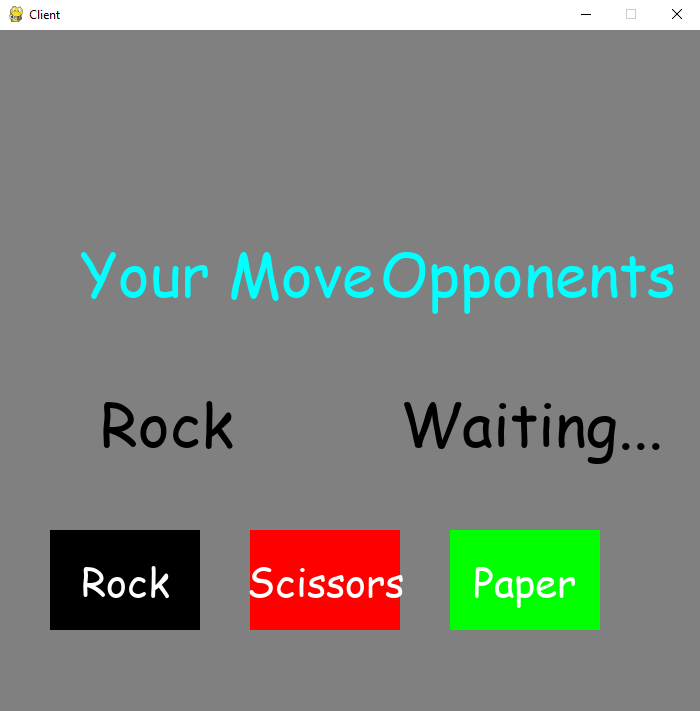
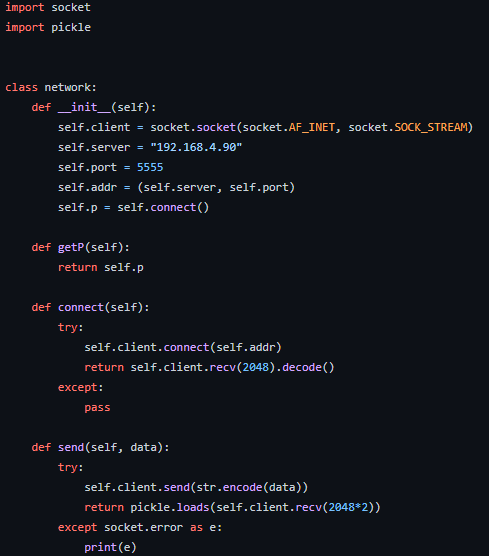
This is the final tutorial and takes a dive into a very complicated system with sockets, and the network it teaches you the basic of online games such as encoding and decoding data that is sent between clients and then learning how to use pickle in python. Pickle essentially is turning your data into bytes for easier transportation. The teacher in this video takes there time to explain everything to you especially the network and server parts as they are new and in the end you create a basic Rock Paper Scissors game that can connect many people.
Example of socket and pickle:
Overall
this guide is very easy to follow with only some parts being complex. It slowly get more and more complicated as it teaches you about pygame, grids, sockets, and python overall.

Awesome article and program samples! Way to go!