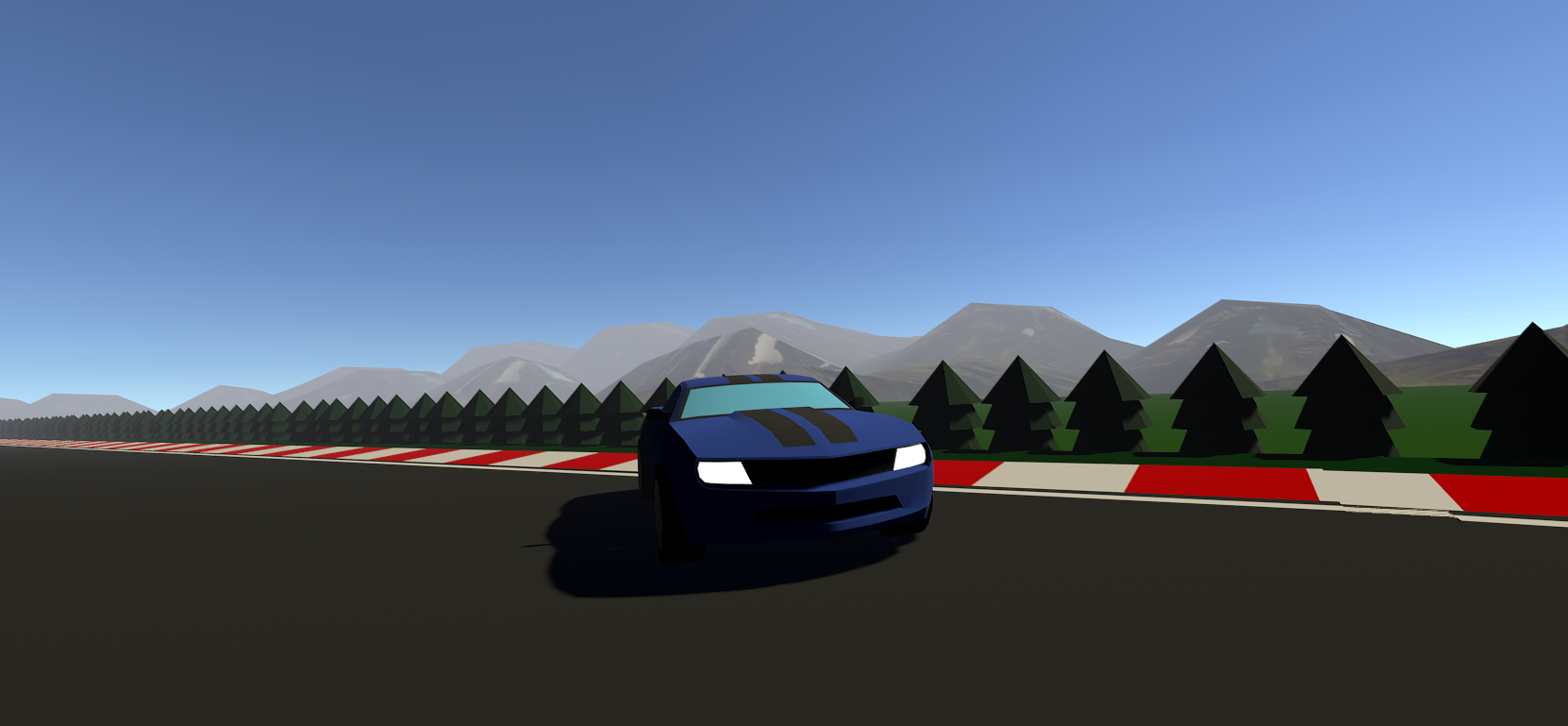
Recommended software skills: basic c#, unity knowledge, and patience
First, I downloaded the car asset om the unity asset store. Next I rigged it with colliders, transforms, and rigid body components. Next, I followed this tutorial to add basic functionality and movement to the car.
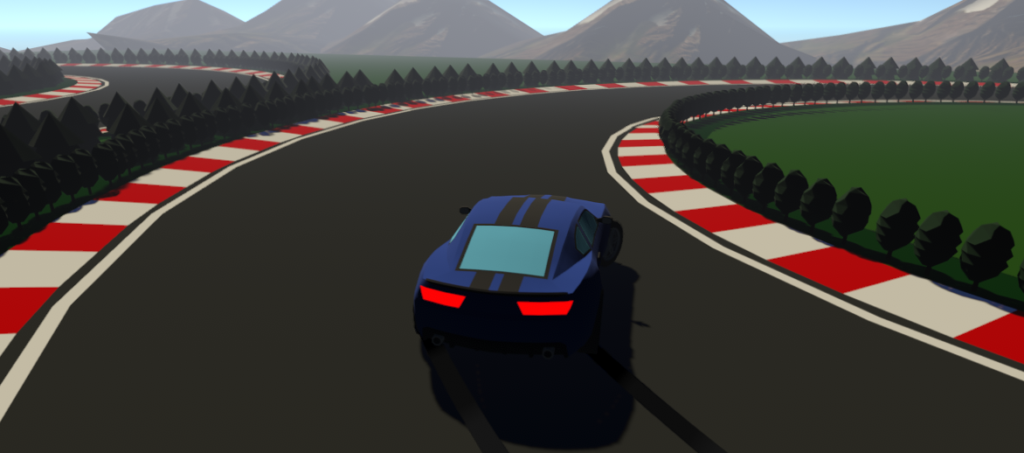
Next, I worked to add line renderers on the wheels to show the skid marks when drifting, steering hard or breaking. I did not use a tutorial for this, so it took a long time to detect if the car is drifting. To summarize, if the user is steering left, but the car is moving right, we know the car is sliding, and therefore the line renderers should be enabled. Next, I added subtle break lights by enabling / disabling light components when the user breaks.
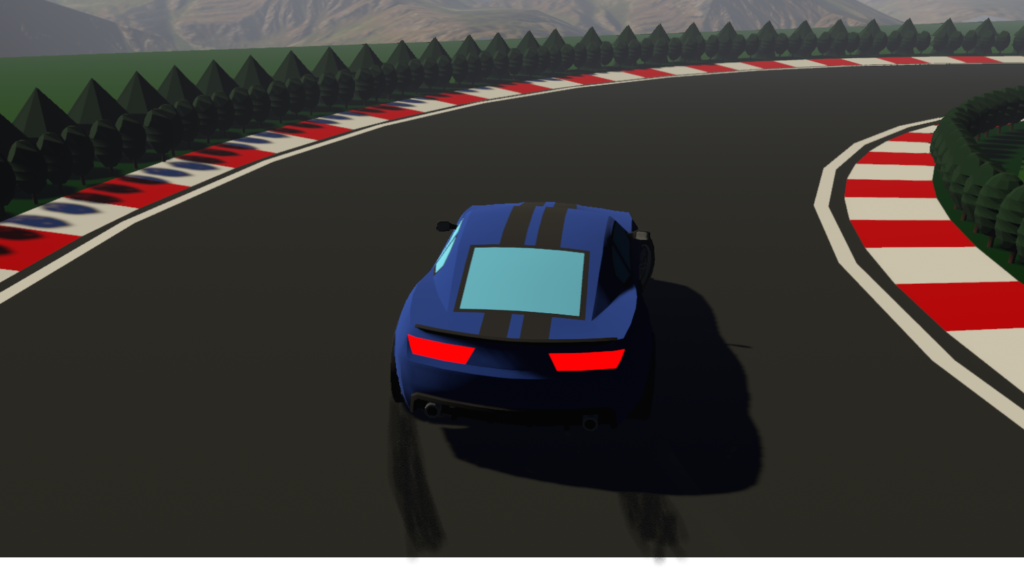
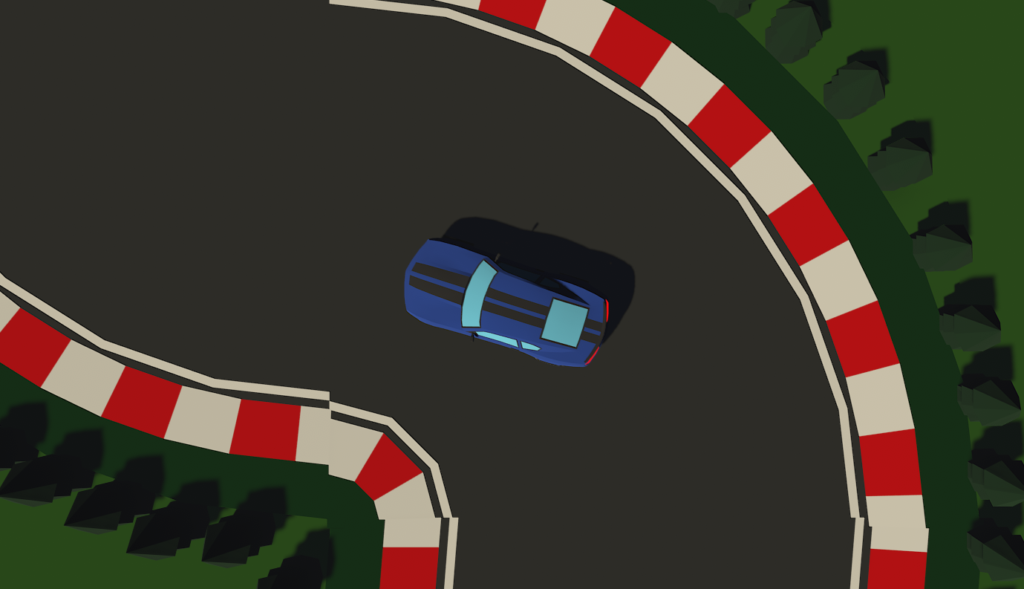
At this point, I experimented with exporting the project as a WebGL file in order to upload the project online. During this stage in development, the track was a flat, blank, white plane. i began looking for options to create the track. I looked into blender, but realized there was no easy way to make and export a track without having any previous blender knowledge. After, perusing the asset store, I found a free asset pack for different segments of the track. After adding colliders and brainstorming the layout, I linked together the pieces and created my track.
After adding the track pieces, I realized that my lighting shadows and reflections were way too aggressive.
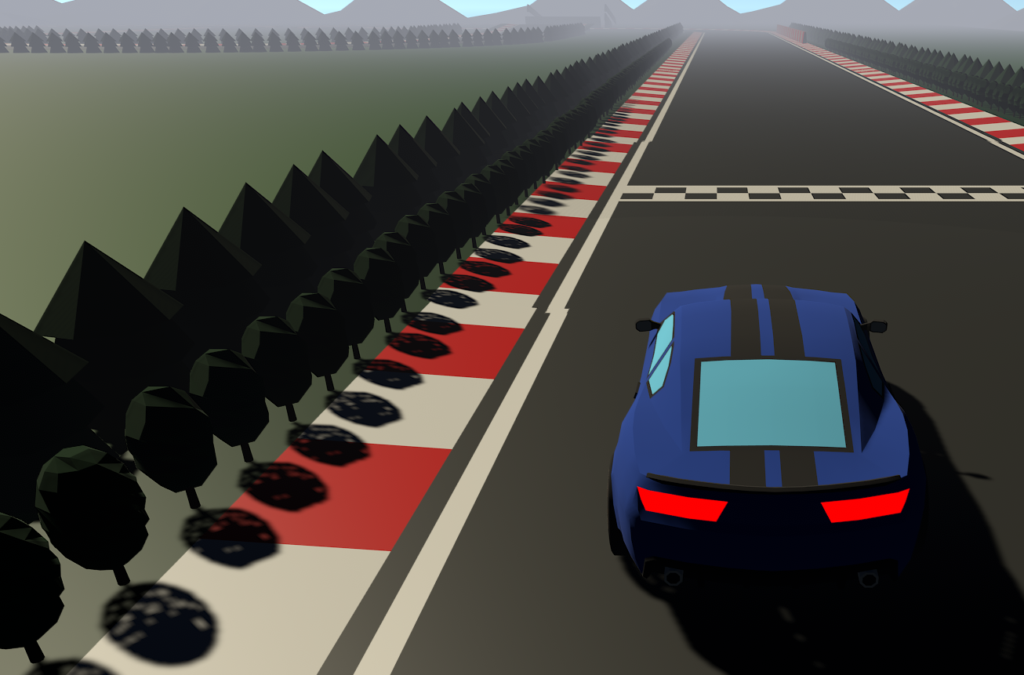
I looked around on Youtube for a while for an easy fix to this issue, but I didn’t find anything. I decided that the easiest way to fix this problem was manually tweaking settings until I found something that worked. Ultimately, I ended up changing each game object to “self illuminate,” reducing the shadows intensity, and making the ground object less reflective. Self illumination means that each object generates a small aura of light around it, subtly lighting up each object so you can see the details without cranking the intensity of the overall scene lighting. The other two settings were just used to reduce the contrast and give the game more a cartoon look, than realistic lighting.
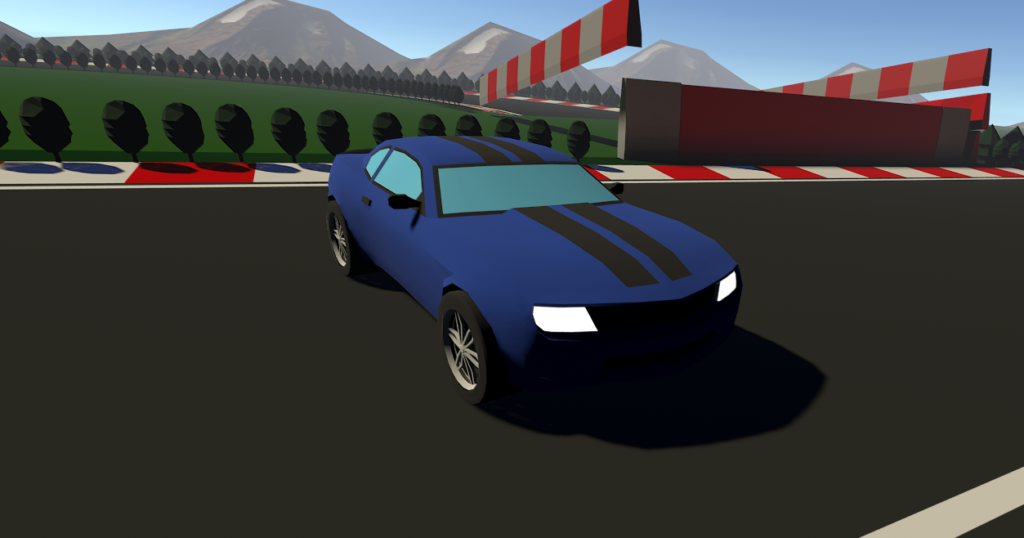
Next, I had to adjust some settings on the car’s handling and controller script because it was very difficult to keep the car on the track. I reduced the maximum steering, and reduced the threshold before you start to drift. This made for a much smaller turning radius, which made the track a lot easier.
After I finished the track, I tried ways that I could add boundaries so that the player had to stay on the track. Again, I visited the asset store and found a free pack of low poly shrubs that I could use.
IF YOU FOLLOW ALONG WITH MY PROCESS, DO NOT DO THE NEXT PART
I spent a full day placing bushes along the track. One row contained taller trees with colliders that outlined the border of the track, keeping the player on the road. The second row was smaller bushes with no collider tightly outlining the track. This row was designed to add scenery without making the player feel like the bushes were just invisible walls. Mistake Number 1: The first day, I manually placed both rows of bushes around the track. After finally finishing, I play tested it and it felt great! It was time to go so I turned off my computer without saving :{. Mistake Number 2: The next day I decided to try and copy and paste to reduce the time it would take. Because some bushes had colliders and others didn’t, Unity wouldn’t let me copy and paste the sections cleanly. I ended up manually placing all the bushes again… Mistake Number 3: After all the bushes were placed and properly saved, I realized that every bush had the illuminated lighting component. THis made the game incredibly laggy. I had to remove the component from every bush section by section, otherwise Unity would crash.
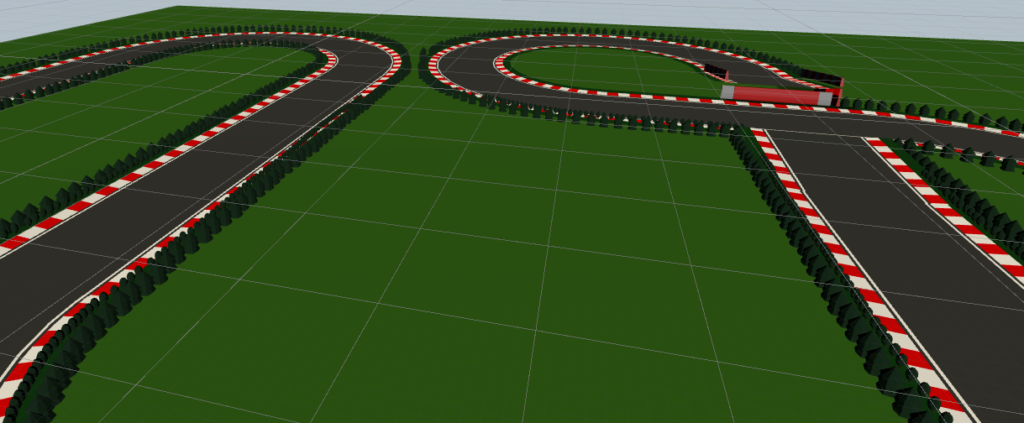
Next, I created a lap timer with hidden checkpoints around the track that need to be hit for the timer to end and the time to save. Then, I saved the high score on the computer files. The scores are saved locally, so you can see your own best times, but not anyone elses.
Lastly, I found an asset pack for mountains and placed them around the outside of the track.
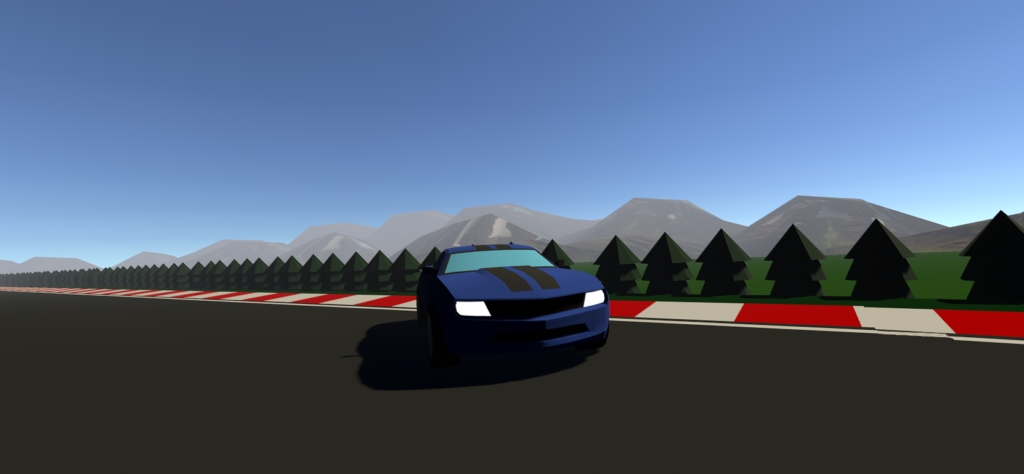
The final game link is: https://ects-computerprogramming.com/StudentWork/MMelaragno/CarGame/
My current best time is 64.83 seconds.
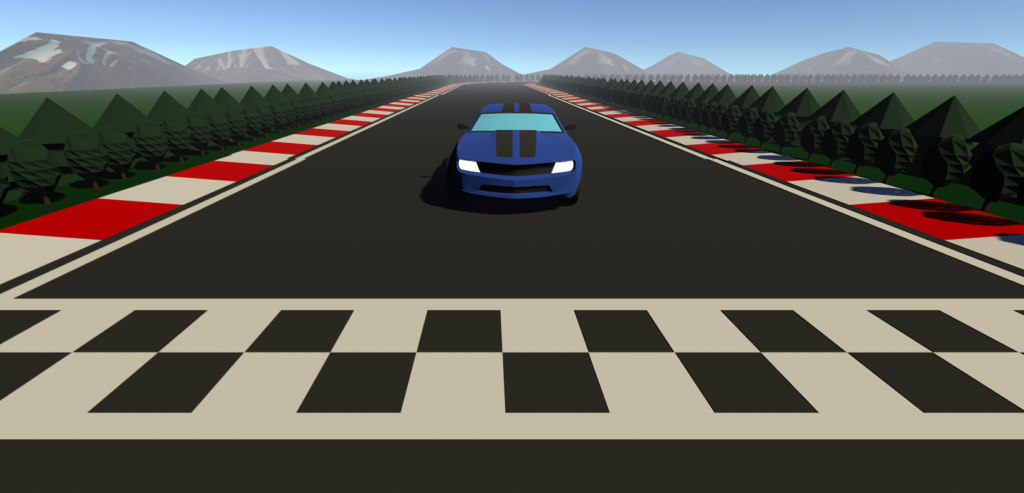
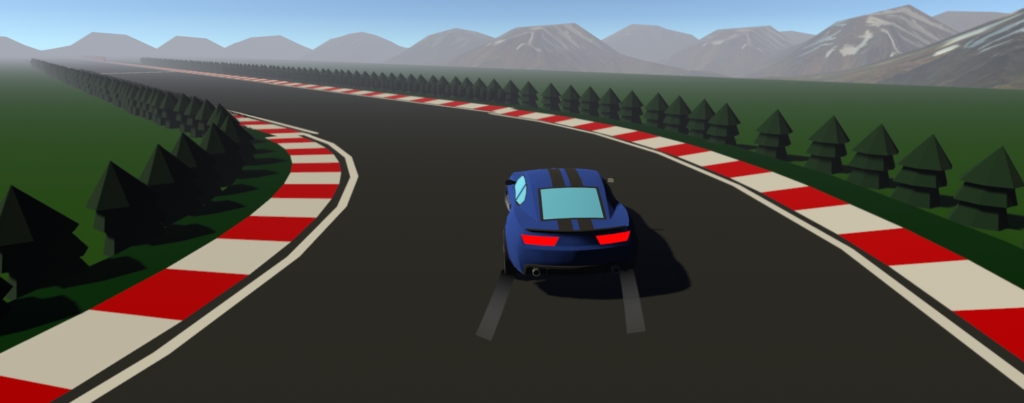

Very nice work Mason! Despite the chaos, it was awesome seeing everyone playing your game!
Very cool game 👍