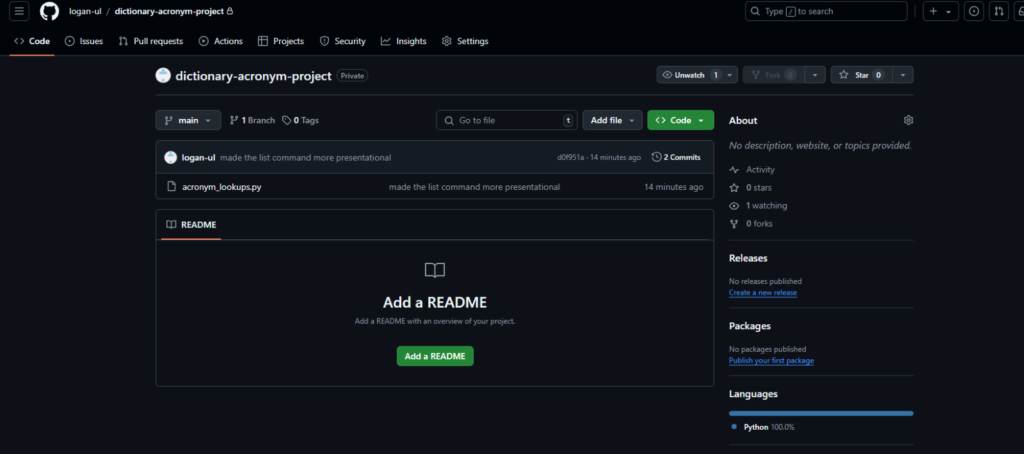
- Visit your repository. This is what mine looks like:
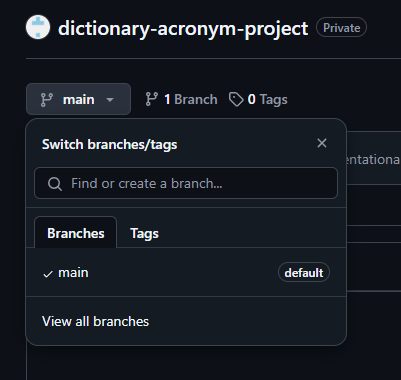
- Confirm you are on the correct branch you would like to test
- Once finished confirming it is the correct repository locate the green “<> code” button.
- Select the “Codespaces” tab:
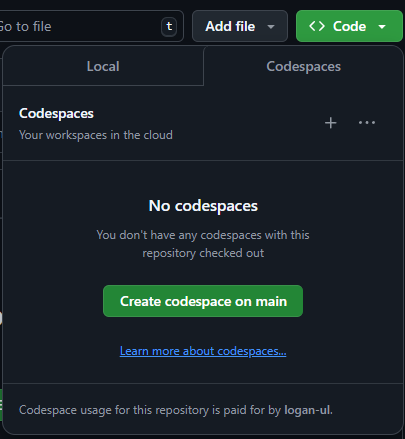
- Select the green “Create codespace on (name of your branch)” button
- Another site will pop up that look very familiar to CS Code
- In the bottom right of the page it will prompt you to install the base package for python
- If it does not do so, go to the extensions tab on the left and search for python
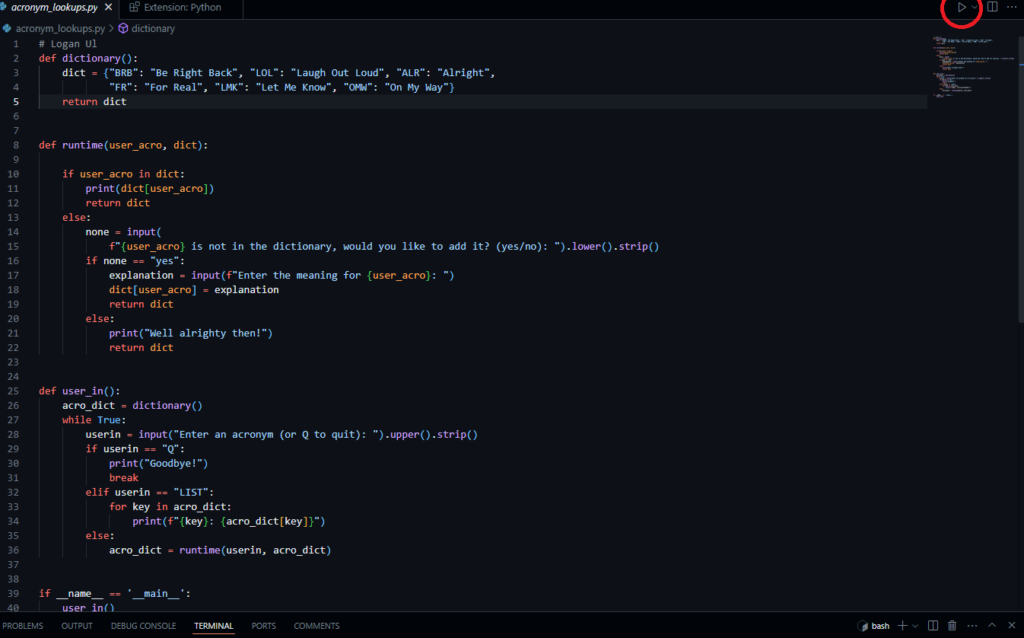
- After installing python and waiting a minute a play button should pop up in the top right corner: